
Using the write table for delivery status management
Last updated: 10/23/2026This topic presents a use case for how the write table can be used for delivery status management.
A company’s logistics division uses Qlik to analyze the status of their deliveries. When a delivery is at risk of being delayed, the customer support team must reach out to the customer in real-time.
With write table, analysts can update delivery records in real-time by flagging delays, adding notes, and suggesting next steps for their customer support team such as informing customers about delay times or rescheduling delivery dates.
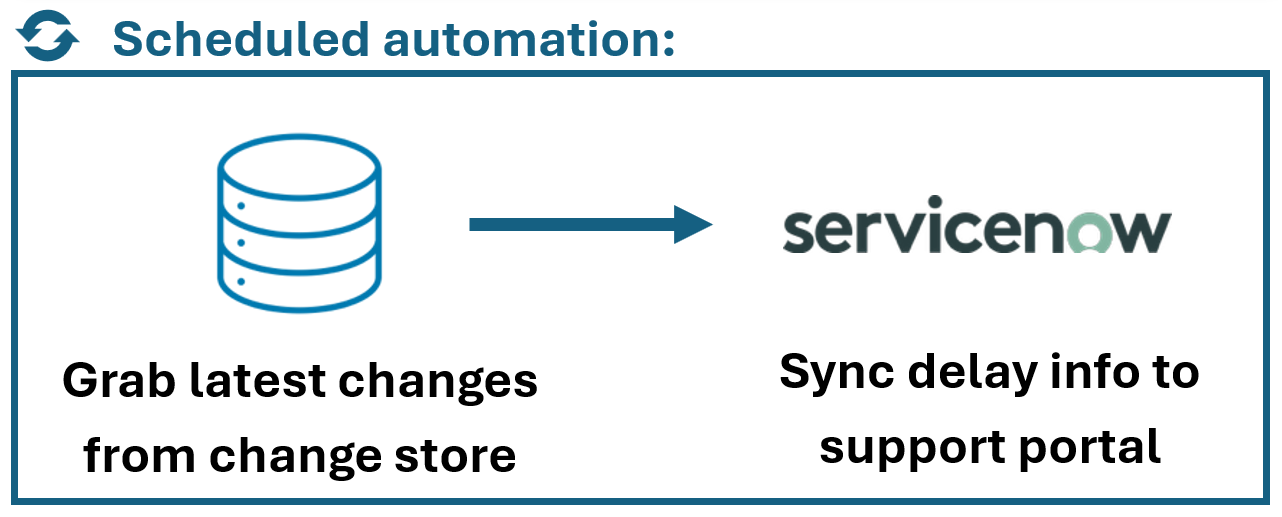
Every 5 minutes, a scheduled automation exports the latest updates from the write table and sends them to the customer’s support portal, ensuring the team always has the most recent information.
Try it yourself
-
Create a write table with these columns.
Write table for delivery status management.

-
Configure the automation to pick up new updates from the change store.
Diagram outlining the scheduled automation.
-
Test it: Edit a few rows in the write table, click Save, and then manually run the automation to pick up new changes.