
Extracting changes from write tables
Last updated: 10/23/2026When users add data in editable columns within write tables, their changes are not applied to the data model of the application. They are also temporary—changes are stored in Qlik-managed change stores for 90 days, after which they are deleted.
You can retrieve these changes via the change-stores API. The changes can be used in various ways, including:
-
Load the changes into QVDs or applications for permanent storage and use within Qlik Cloud.
-
Extract the changes, adding them to external systems such as Excel spreadsheets or SQL databases.
-
Dynamically integrate the data into automated processes, such as sending emails and purchasing inventory.
-
Build your own applications and integrate calls to the change-stores API into your operational workflows.
Prerequisites
Before you can access the data saved in the change store, you need to be able to access the change-stores API. To do this, you need:
-
API key for the Qlik Cloud tenant. See Managing API keys.
-
The required permissions for working with write tables, assigned by tenant administrators. See:
-
Setting permissions for write tables (capacity-based subscriptions)
-
Setting permissions for write tables (user-based subscriptions)
-
-
The change store ID. This can be retrieved after creating the write table on a sheet. See Working with change stores.
Available tools for extracting changes
You can use the following tools to extract and use changes from the change-stores API:
-
Qlik Automate
-
The REST connector available with Qlik scripting and data preparation.
For examples and use cases, see:
Extracting write table changes with Qlik Automate
The changes saved in the change store can be extracted by using the Change Store blocks in the Qlik Cloud Services connector in Qlik Automate. This connector automatically connects to the automation owner’s Qlik account so there are no additional steps required to authenticate.
More information about Qlik Automate is available at Qlik Automate.
Available Qlik Automate blocks for extracting write table changes
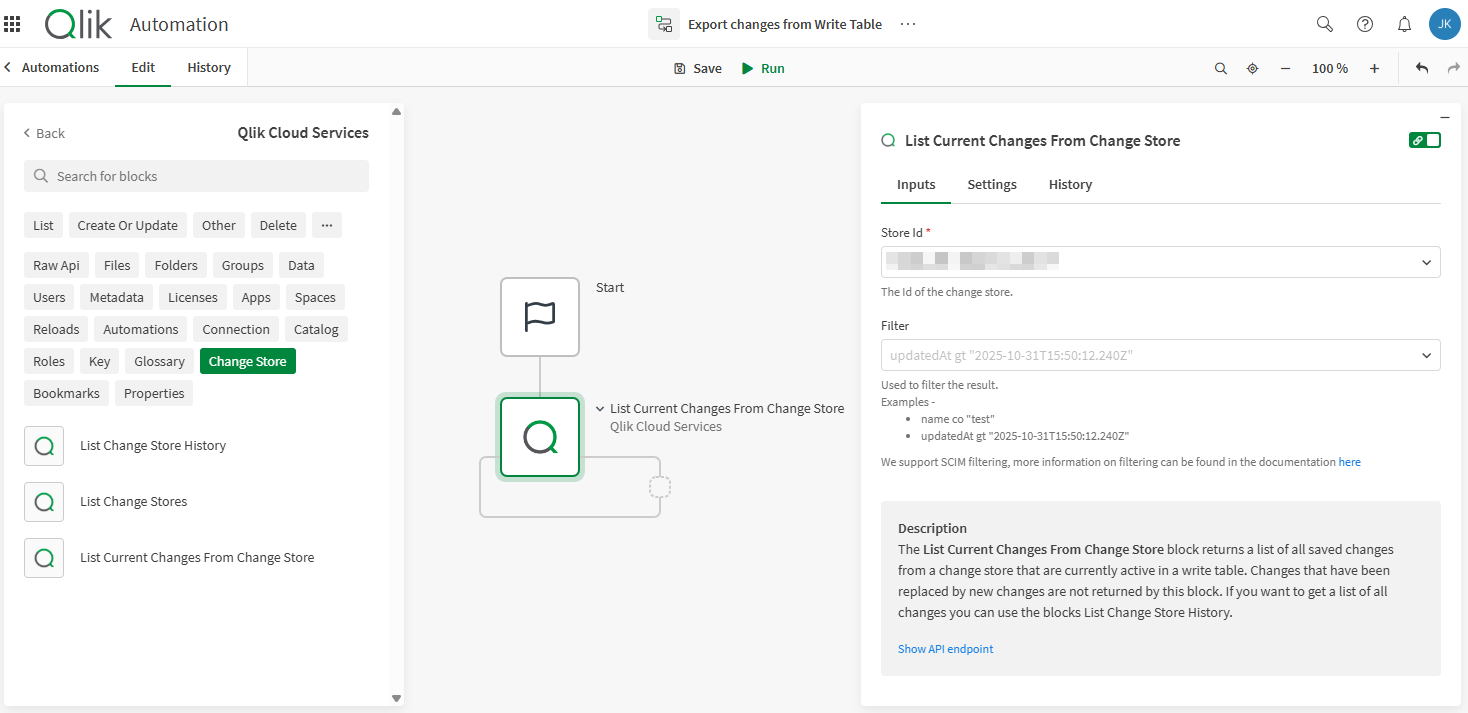
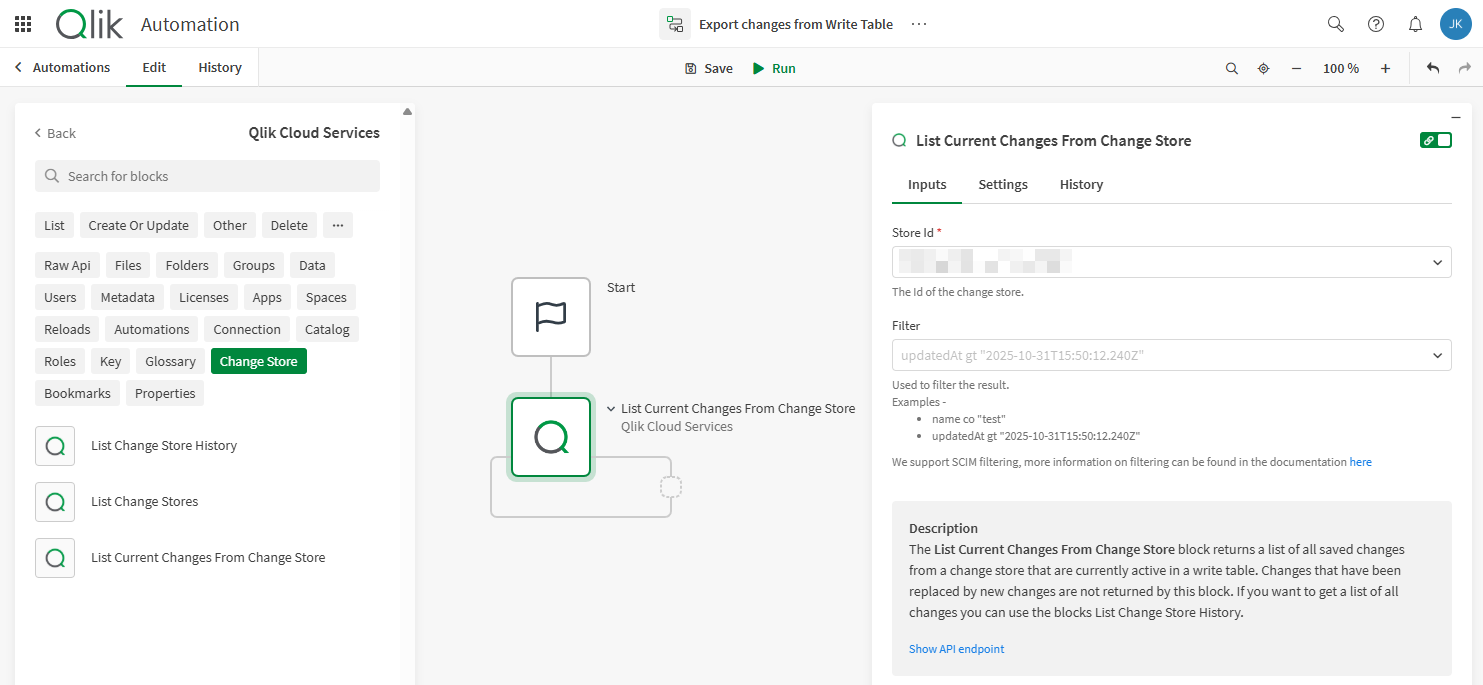
Listing current changes from change store
The List Current Changes From Change Store block uses the API endpoint /changes/tabular-views and will only return the most recent value for each cell (in other words, it returns the current values). It returns these values as a list of objects in which each object contains the primary keys and the change values. Each record is also extended with an updatedAt timestamp for the datetime when the last update was made to the record and an updatedBy user ID for the user that made this change.
List Current Changes From Change Store block in Qlik Automate
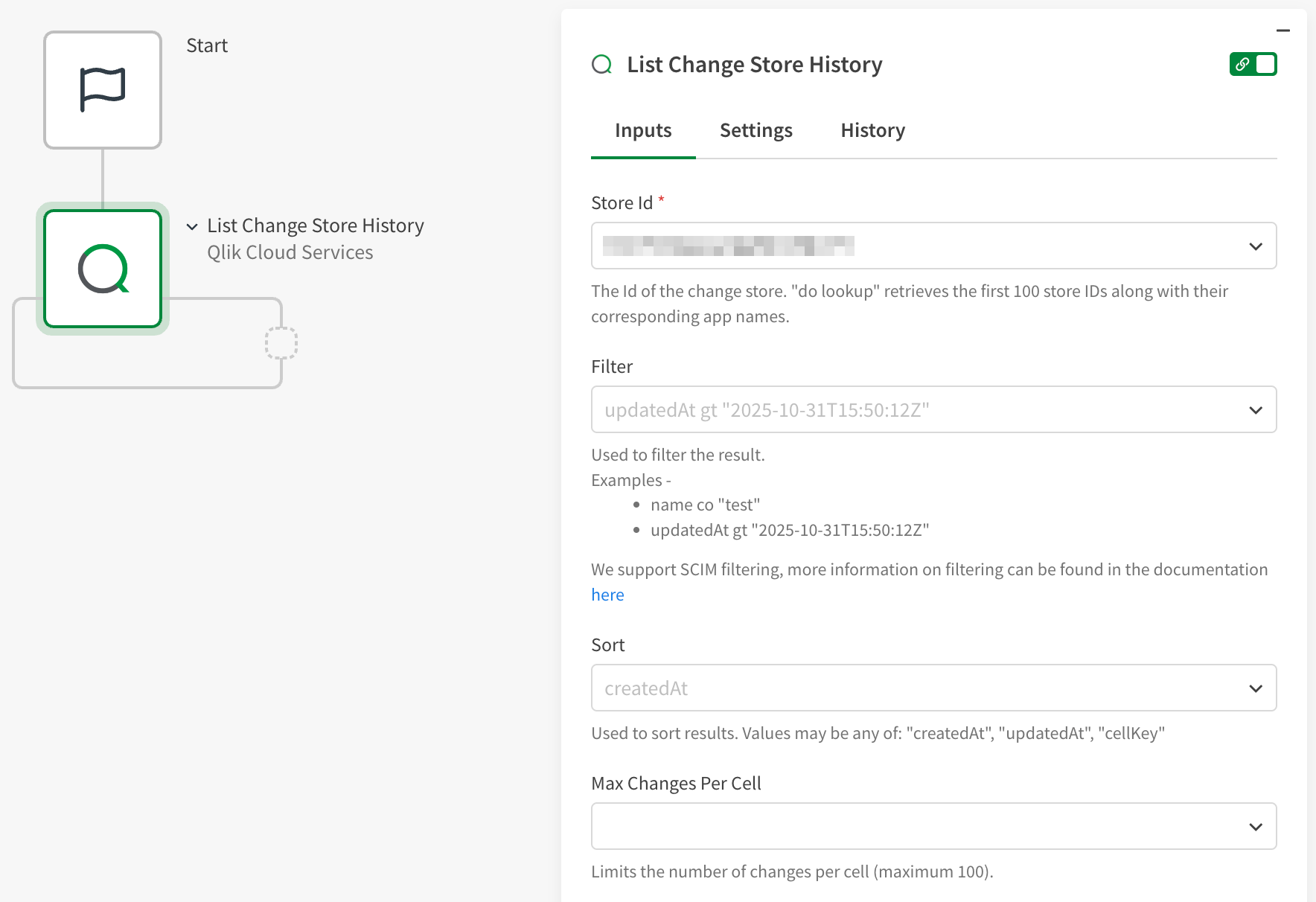
Listing change store history
The List Change Store History block uses the API endpoint /changes and returns the full history for each cell. If a cell has been updated multiple times, then this block will return every value, userId, and updatedAt timestamp for each update.
List Change Store History block in Qlik Automate
Working with templates
You can also start with an automation template if you are extracting the data to a MySQL database. The following templates are available under Insights to Action:
-
Extract Change Store Data to a MySQL Database
-
Extract Change Store Data to a MySQL Database in Bulk
These templates arrange the Change Store blocks (described above) with other blocks to help you extract the data faster. Simply adjust the block parameters to connect to your resources. For a detailed walkthrough, see this Community article.
Extracting write table changes with the REST connector
This example shows how you can configure a REST connection to the change-stores API. This connection can be used to pull from the API, and then load changes back into an application or store it into QVDs within Qlik Cloud.
Do the following:
-
In Qlik Cloud Analytics, create a new connection to the REST connector. See Adding data connections.
-
Set the following parameters for the connection:
-
URL: <your_tenant_base_URL>/api/analytics/change-stores/<your change store id>/changes/tabular-views
-
Additional request parameters
-
Query parameters
-
Limit (Key): 100 (Value)
-
-
Query headers
-
Authorization (Key): Bearer <your_API_token> (Value)
-
-
-
Pagination type: Next URL
-
'Next url' path: links/next/href
-
-