
Table recipe processor
Last updated: 10/21/2026Embed a table recipe in the data flow.
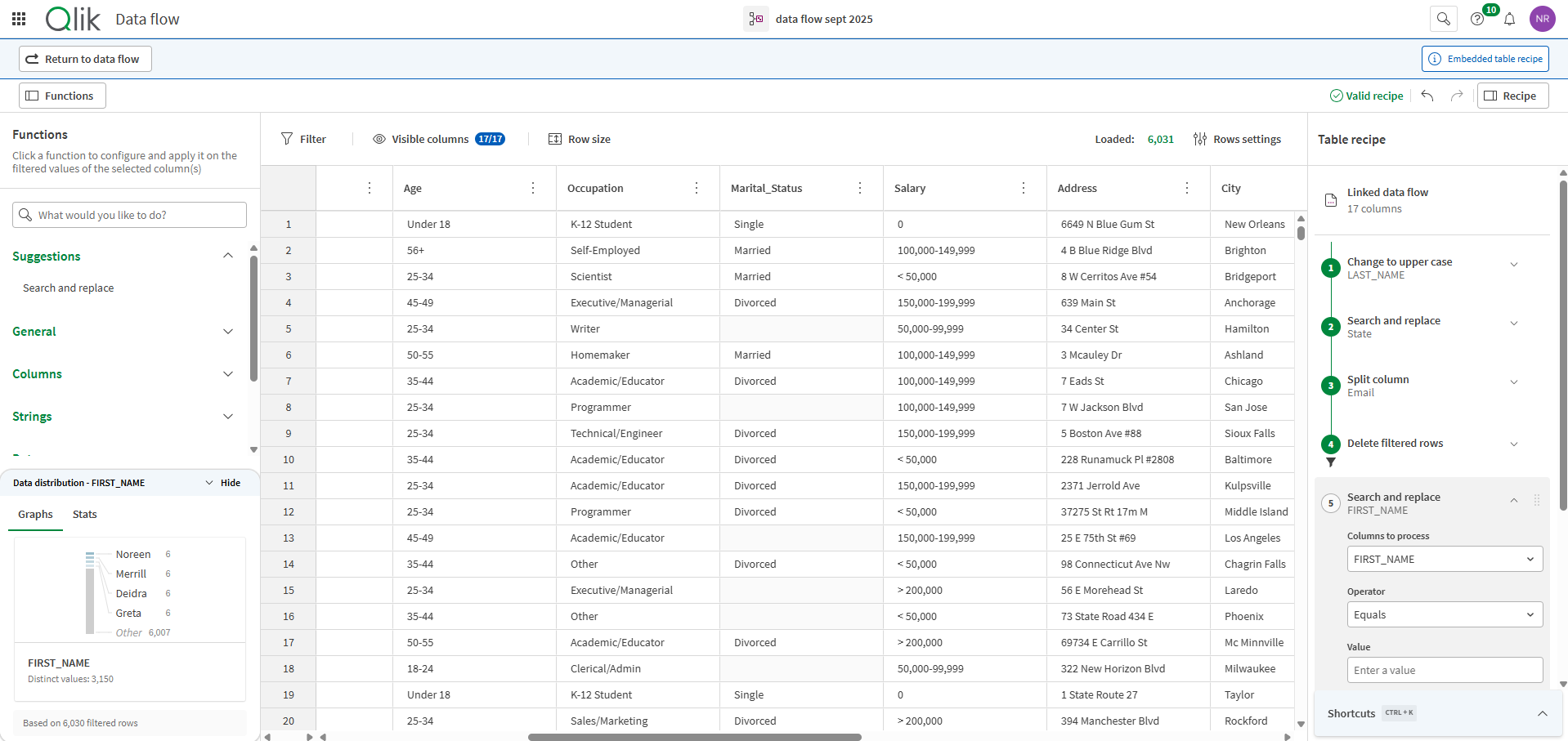
The Table recipe processor allows you to open an embedded version of Table recipe to add preparation steps at the column level, in a spreadsheet-like interface.
Using the Table recipe processor in a data flow allows you to combine several preparation steps in a single processor while benefiting from the simplicity of the Table recipe interface. Other advantages include built-in profiling and filtering features, as well as data quality indicators in column headers and cells, and the ability to filter or apply functions to valid, invalid, and empty values.
Usage
-
The Table recipe processor requires one input flow and can generate only one output flow.
-
This embedded version of Table recipe is used just like the original, except that you do not have to set a source and target as they are already defined in the previous and next components of the data flow.
-
To access data quality in table recipe, you need a Qlik Talend Cloud Enterprise, Qlik Talend Cloud Premium, Qlik Cloud Analytics Premium, Qlik Cloud Analytics Enterprise, or Qlik Sense Enterprise SaaS subscription. At minimum, the Compute data quality permission set to Allowed and the Manage semantic types permission set to Assign only in the Data quality section are also required. These permissions are assigned by a tenant administrator through the default permissions or a custom role.
-
You can use a maximum of 50 Table recipe processors in a data flow.
Properties
Properties to configure to create a table recipe.
| Property | Configuration |
|---|---|
| Edit table recipe |
Click the The recipe you work on is saved at each step. When you are satisfied with your changes, simply use the Return to data flow button. |
| Table recipe steps |
When at least one recipe step has been applied to the data in the embedded table recipe editor, the ordered list of transformations is displayed here. Otherwise, this section will be empty. |
To rename the processor or edit its description, point your mouse over the name or description to change in the Properties panel and click the  Edit icon.