
Providing application-opening progress
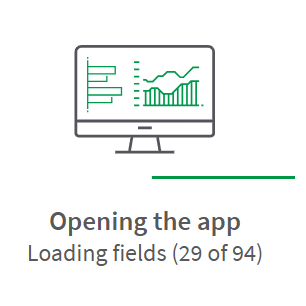
Last updated: 10/26/2026You can show users real-time progress when opening applications. The progress display shows the steps being completed as the application loads, helping users understand what's happening. This improves the experience and sets expectations, especially for larger applications that take longer to open.
Information note
Application-opening progress does not display when opening QlikView applications.
Application opening progress
Do the following:
-
In the Administration activity center, go to the Settings page
-
Select the Feature control tab.
-
Turn on the App opening progress information toggle.