Visualize the data model
Last updated: 10/27/2026You can visualize the data model of an application directly within the Qlik Code extension.
Do the following:
-
Use the Data Model Diagram / View Data Model option, from any of the following:
-
Right-clicking the app from the Qlik Cloud panel in the VS Code Explorer.
-
Right-clicking a bound local script in the VS Code Explorer.
-
Right-clicking in the text editor when editing a script.
-
Using the Command Palette.
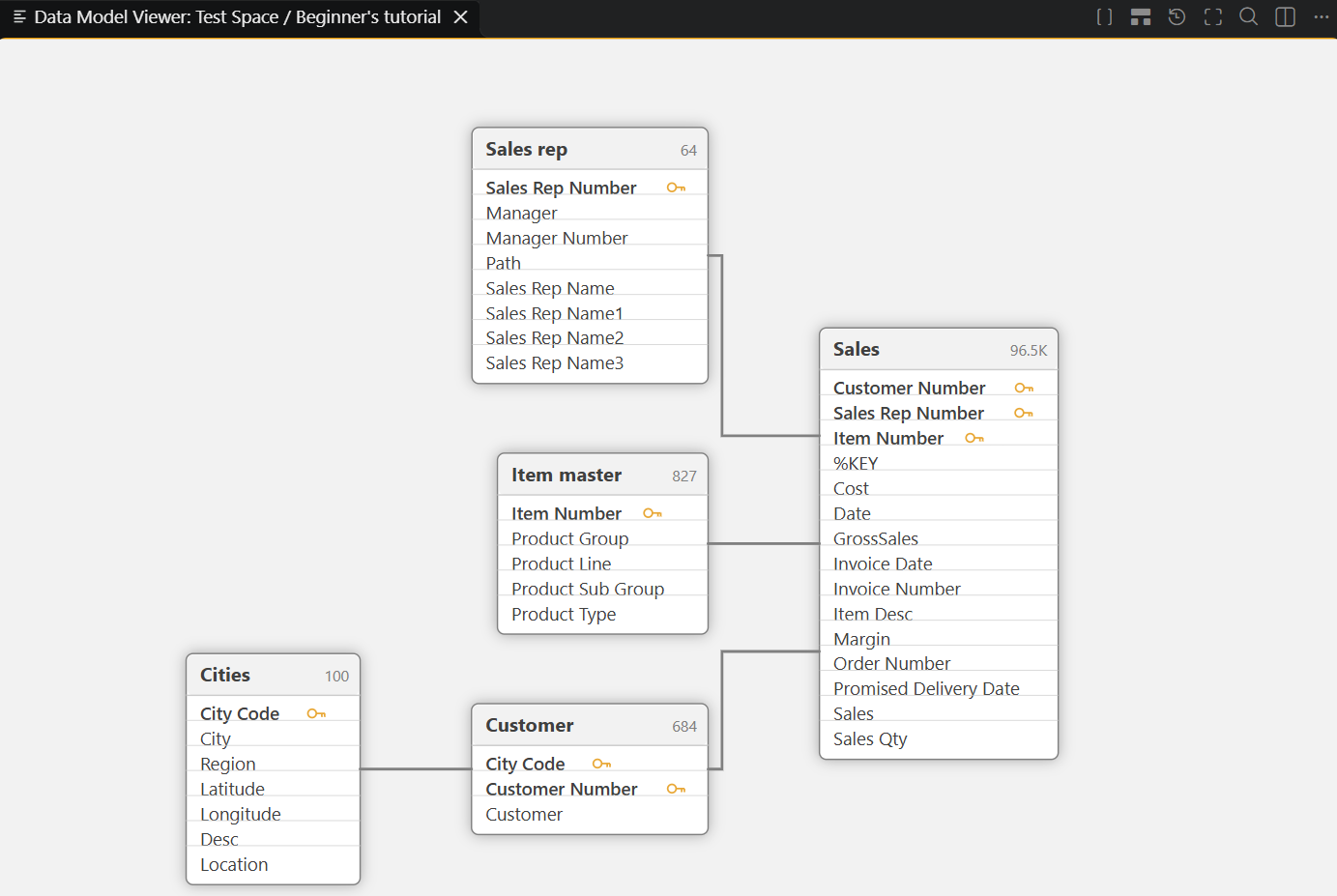
This opens a visual diagram of the app's tables and the associations between them, in its own editor tab.
-
-
With the data model diagram opened, you have access to a number of options for customizing its appearance:
-
Switch between Auto Layout and Grid Layout, or Restore Saved Layout to return to a manually arranged layout.
-
Reset Zoom and Fit to Screen adjust the view.
-
Minimize All Tables / Maximize All Tables collapse or expand every table card.
-
Show Only Connections filters the diagram down to tables and fields that are actually linked.
-
Search Tables & Fields finds a specific table or field in a large model.
-
Viewing the data model of an application within Qlik Code