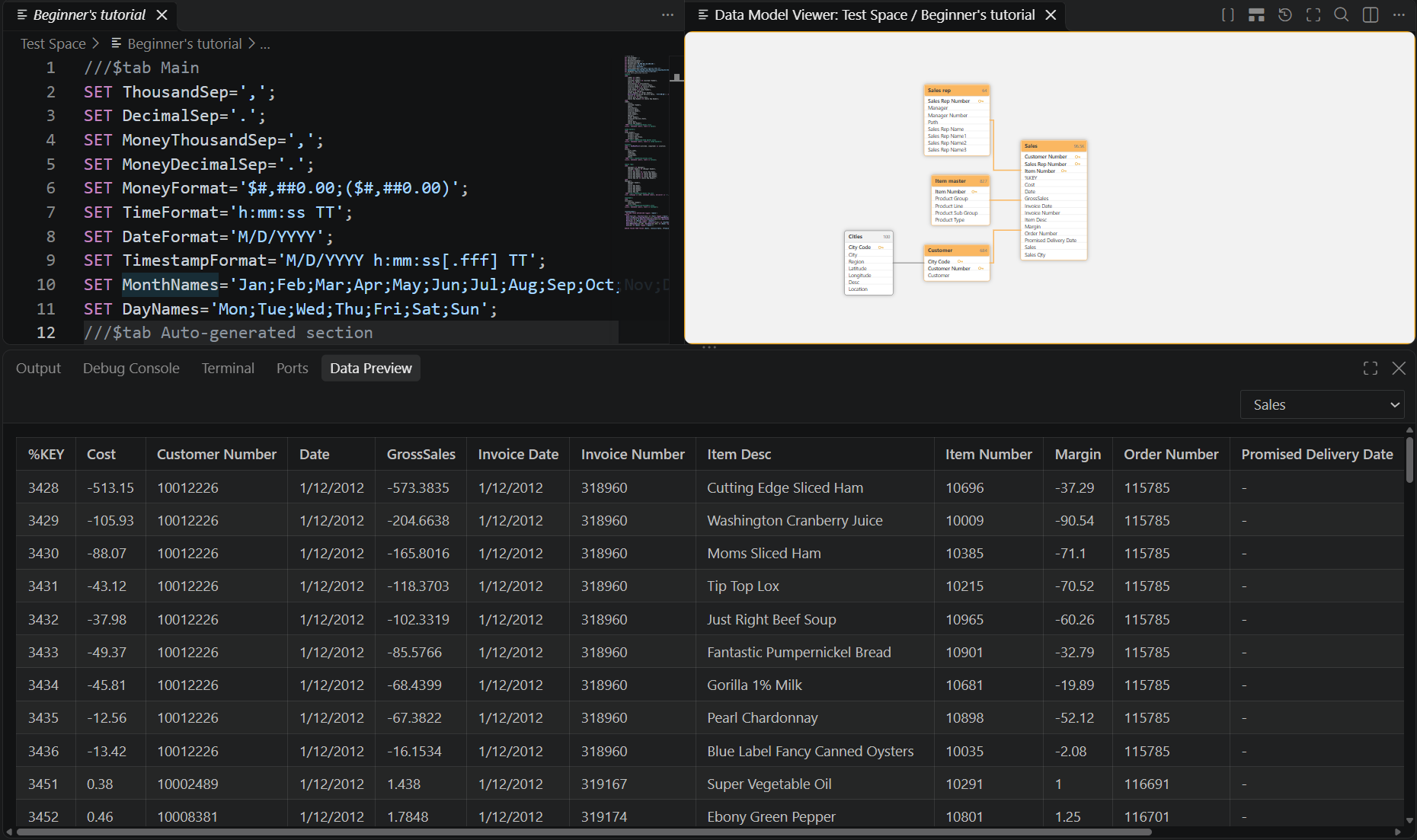
Preview data
Last updated: 10/27/2026The Data Preview panel shows live table data from the app in a dedicated panel alongside your Terminal and Output panels, so you can check the shape of your data without leaving Visual Studio Code. The Data Preview panel stays synchronized with your selection in the data model diagram.
Information noteNot applicable to QVF script assets.
Do the following:
-
Open the data model diagram for an application. See Visualize the data model.
-
In the VS Code Panel (see VS Code's user interface documentation), go to Data Preview.
-
Choose which table you want to preview, either from the data model diagram or the Data Preview section itself.
If the script changed since the last reload, Qlik Code warns you that the data preview may be stale.
Data Preview of an application within Qlik Code