Opening the application
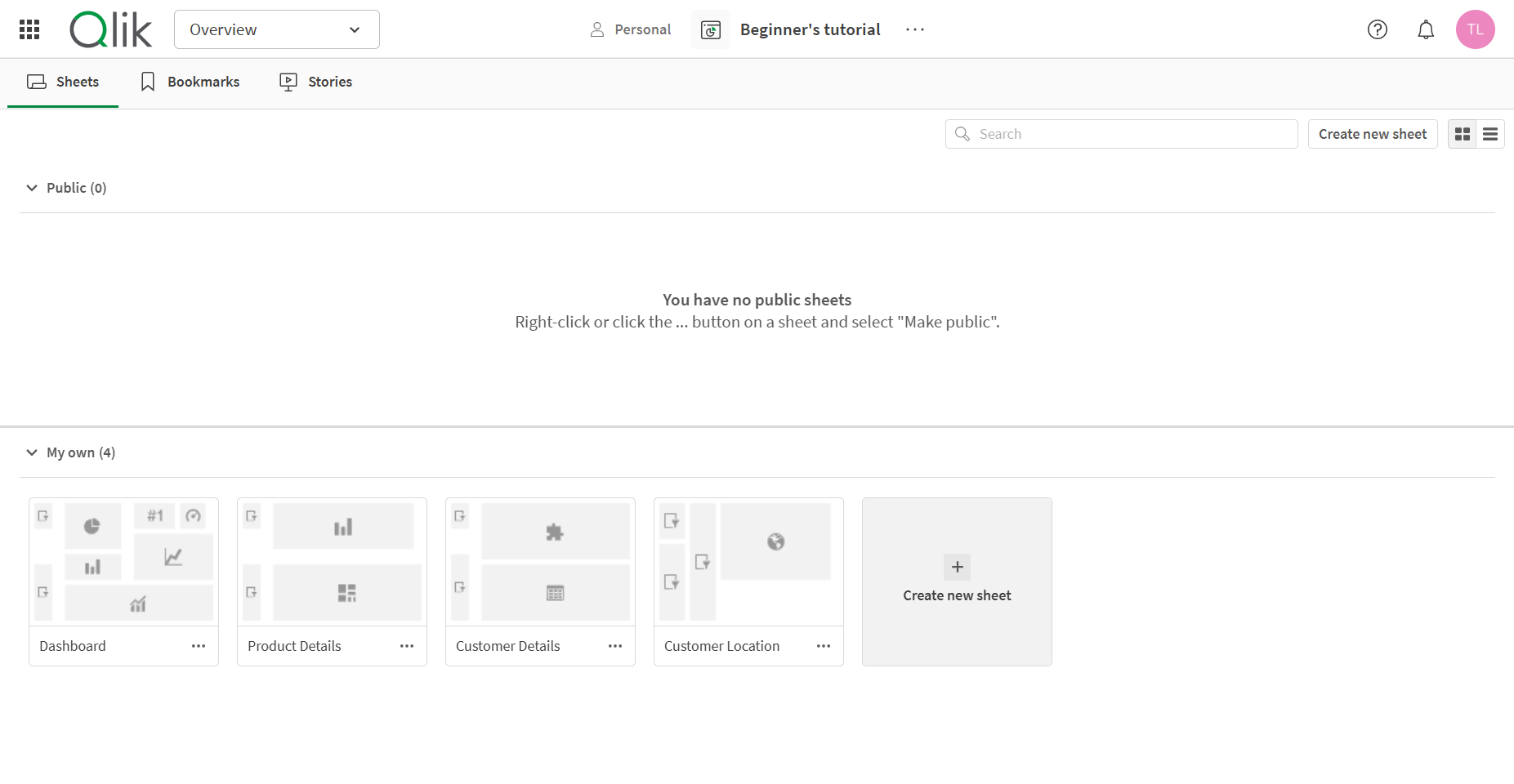
Last updated: 10/23/2026Click the Beginner’s tutorial application. The application overview is opened, and you can see the content of the application.
By default, the application overview shows the sheets of the application. In the Beginner’s tutorial application there are four sheets, Dashboard, Product Details, Customer Details, and Customer Location. You do most of the work in the sheets, especially if you are primarily a business user and not a developer. Click Dashboard to open that sheet.
Application overview displaying the sheets of the application.