
Managing OAuth clients in My Qlik
Last updated: 10/26/2026OAuth is a security protocol for authorization and delegation. It allows third-party applications to access API resources without exposing end-user credentials. An OAuth client requests an authorization code, exchanges it for an access token, and uses the token to access content through APIs.
About OAuth clients in Qlik Cloud
OAuth clients in Qlik Cloud are configured at different levels depending on how they are used:
-
Organization-level OAuth clients
-
Apply to all tenants across multiple subscriptions and regions.
-
Typically used to access tenant information, such as listing tenants.
-
Managed by the service account owner (SAO) in My Qlik.
-
-
Region-level OAuth clients
-
Apply to a specific license number in a region.
-
Managed by the SAO in My Qlik.
-
-
Tenant-specific OAuth clients
-
Apply to a single tenant.
-
Managed by tenant administrators in the tenant's Administration activity center.
-
For details, see Creating and managing OAuth clients.
-
Creating and managing organization-level OAuth clients
You can create and manage organization-level OAuth clients on the OAuth clients page in My Qlik.
Accessing the OAuth clients page
Do the following:
-
Log in to My Qlik with your service account owner (SAO) credentials.
-
Click List all my tenants at the top of the page.
-
In the left pane, click OAuth.
-
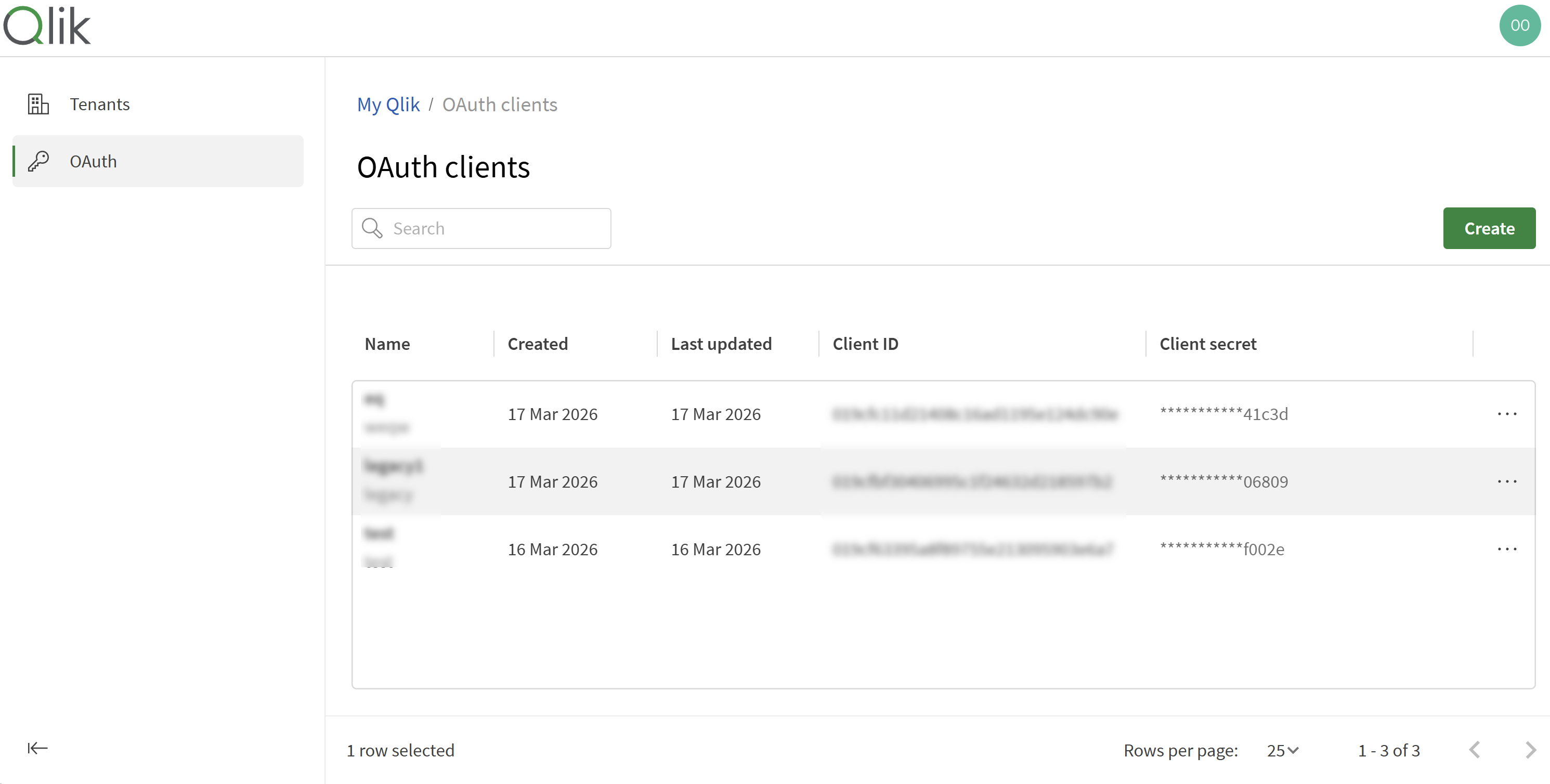
The OAuth clients page opens, where you can create and manage OAuth clients for your organization.
The OAuth clients page.
Finding and viewing OAuth clients
On the OAuth clients page, you can:
-
Search by name.
-
Filter by region, status, or subscription ID.
-
Sort by name, creation or last updated date, or client ID.
-
Drag columns to reorder.
Creating OAuth clients
Do the following:
-
On the OAuth clients page, click Create.
-
Enter a name for the OAuth client.
-
Optionally, add a description.
-
Click Create. A client ID and client secret are displayed.
-
Click
 to copy the client ID.
 -
Click Copy secret to copy the client secret.
Information noteYou will not be able to access the client secret later. Treat it like a password and do not expose it in source code or repositories. -
Click Close.
After creating the client, you can use the client ID in your applications. You can retrieve it later from the context menu ( ) for the OAuth client.
Editing OAuth clients
Do the following:
-
On the OAuth clients page, locate the OAuth client.
- Click and select Rename.
- Modify the name or description as needed.
- Click Save changes.
Deleting OAuth clients
You can delete an OAuth client when it is no longer needed or to revoke access.
Do the following:
-
On the OAuth clients page, locate the OAuth client.
- Click and select Delete.
- Confirm the deletion.
Managing client secrets
If a client secret is compromised or your security policy requires periodic updates, you can add or remove secrets. To avoid downtime, you can add multiple client secrets (maximum 5), update your client application, and then remove the old secret.
Adding a client secret
Do the following:
-
On the OAuth clients page, locate the OAuth client.
- Click and select Manage secrets.
- Click Generate a new client secret.
-
Copy the client secret and client ID, and store them securely.
Information noteYou will not be able to access the client secret later. - Click Close.
Removing a client secret
Do the following:
-
On the OAuth clients page, locate the OAuth client.
- Click and select Manage secrets.
- Click
 next to the client secret you want to remove.
 - Click Close.
Creating region-level OAuth clients
Do the following:
-
Log in to My Qlik with your service account owner (SAO) credentials.
-
Click
next to My tenants and select Manage OAuth clients. -
In the dialog, you can
-
Create new OAuth clients
-
View existing clients
-
Regenerate client secrets
-
Delete clients
-
Next steps: Building OAuth client applications
After registering an OAuth client with Qlik Cloud, you can build OAuth client applications to access Qlik Cloud content. Use the client ID and client secret associated with your OAuth client. You can retrieve the client ID anytime from the context menu () for the OAuth client.
Follow tutorials in the OAuth Overview section of the Qlik Developer Portal. These tutorials cover how to build client applications using popular programming languages.