
Enabling lineage collection for Job tasks
Last updated: 10/1/2026Data Integration Jobs published from Talend Studio to Talend Management Console can generate input and output datasets and lineage, which can be sent to Qlik Cloud.
In the Catalog page of Qlik Cloud, you can view the lineage of your data that tracks the transformations backwards to the original source.
Before you begin
- You must meet the requirements listed in this Prerequisites section.
- You must have at least Talend Studio version 8.0.1-R2025-04 or later.
- You have configured your Talend Cloud
with Qlik Cloud by
following the configuration steps:
- Link Qlik tenant in Talend Management Console
- Generate and configure a secure access token between Talend Management Console and Qlik Cloud
- Configure Qlik Cloud Authentication
For the OAuth client, you must have at least the lineage:create, dataset, spaces.shared:read and spaces.shared:create scopes.
Information noteImportant: Starting from February 2026 and with the progressive activation of Unified Administration for all customers, the configuration between Talend Cloud and Qlik Cloud becomes automatic. - You have created a Job in Talend Studio and published it to Talend Management Console.
- The components you used in the Job support lineage in Qlik Cloud. For more information, see the list of supported Talend Studio components for lineage in Qlik Cloud.
About this task
The maximum number of datasets is set to 50 and the maximum number of lineage to 500.
You can enable lineage only for tasks that use a compliant artifact.
Procedure
-
Under Lineage, select the Allow lineage
collection of this task checkbox.
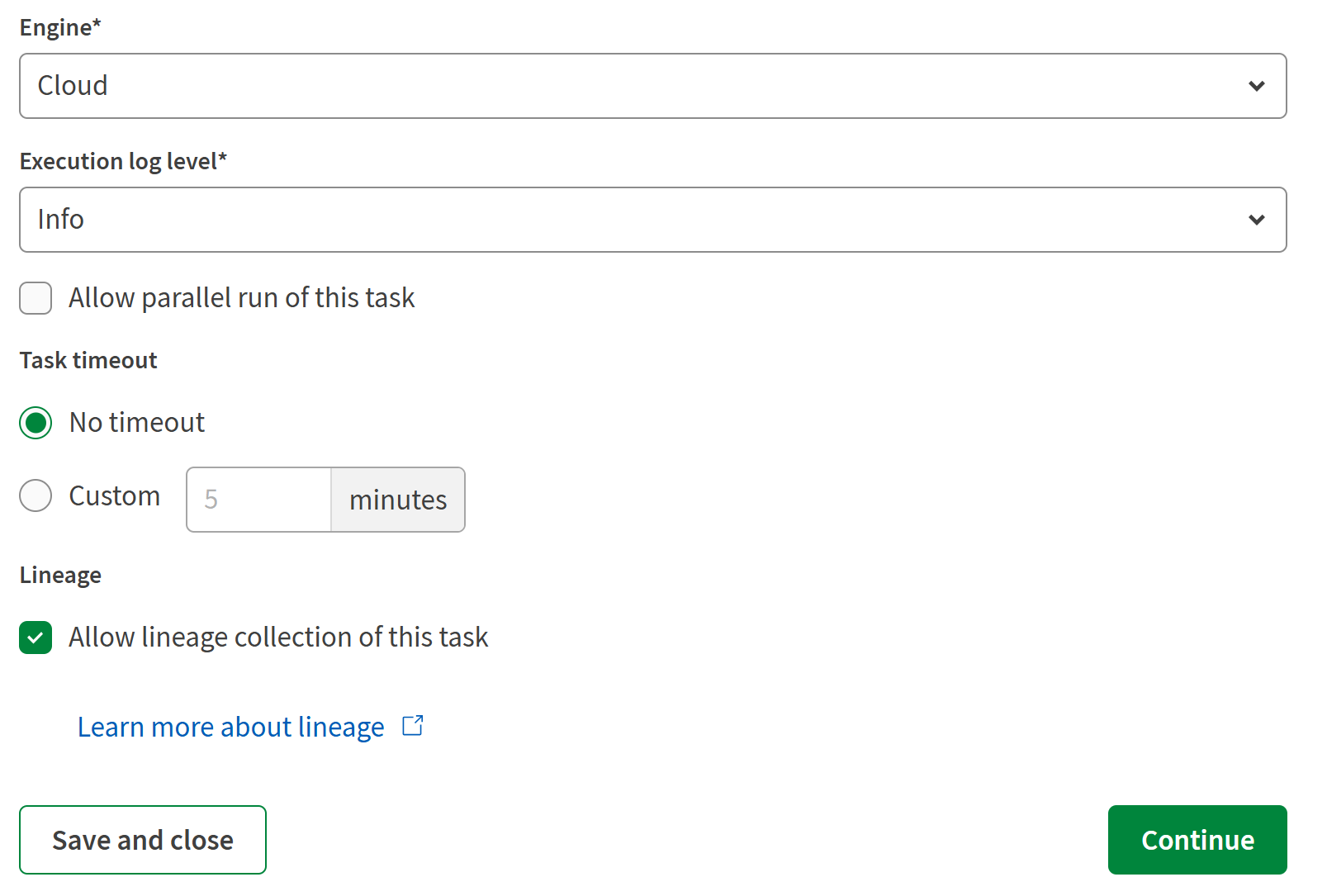 If the task does not use a compliant artifact, you cannot enable lineage for that task.
Results
What to do next
By default, Talend Remote Engine keeps processed lineage data on disk for 7 days, then deletes it automatically. To change this retention period or disable the history archive, see Configuring lineage history retention.