Designing report templates with Qlik add-ins for Microsoft Office
Last updated: 10/2/2026Qlik add-ins for Microsoft Office allow you to develop report templates for in-application reporting in Qlik Cloud Analytics. They are add-ins that can be integrated into Microsoft 365 versions of Excel, PowerPoint, and Word.
What are Qlik add-ins for Microsoft Office?
Qlik add-ins for Microsoft Office are:
-
Qlik add-in for Microsoft Excel
-
Qlik add-in for Microsoft PowerPoint
-
Qlik add-in for Microsoft Word
Functionality is similar across the add-ins. In the add-in window, you can add application content in the form of tables, images, variables, and expressions. After adding content using the add-ins, you have several options for formatting and styling it using the default Microsoft Office functionality.
Workflow
This workflow is the same for all Qlik add-ins for Microsoft Office.
For a full overview of in-application reporting, see In-application reporting with Qlik Cloud Analytics.
- An administrator installs the add-in
A user with administrator access to Microsoft 365 and Qlik Cloud installs the add-in using centralized deployment via the Microsoft 365 admin center.
Alternatively, when provided with a copy of the manifest installation file, you can sideload add-ins yourself for temporary access.
- Activate the add-in and connect to an application
After installation, you can now activate the add-in in your Microsoft Office application.
Getting started with using Qlik add-ins for Microsoft Office
- Add content to your template
Each available add-in works with similar functionality. Using the add-in window, develop your template by adding content to the Microsoft Office file, in the form of tags and images.
Adding content to report templates with Qlik add-ins for Microsoft Office
Designing tabular report templates
Qlik add-in for Microsoft Excel
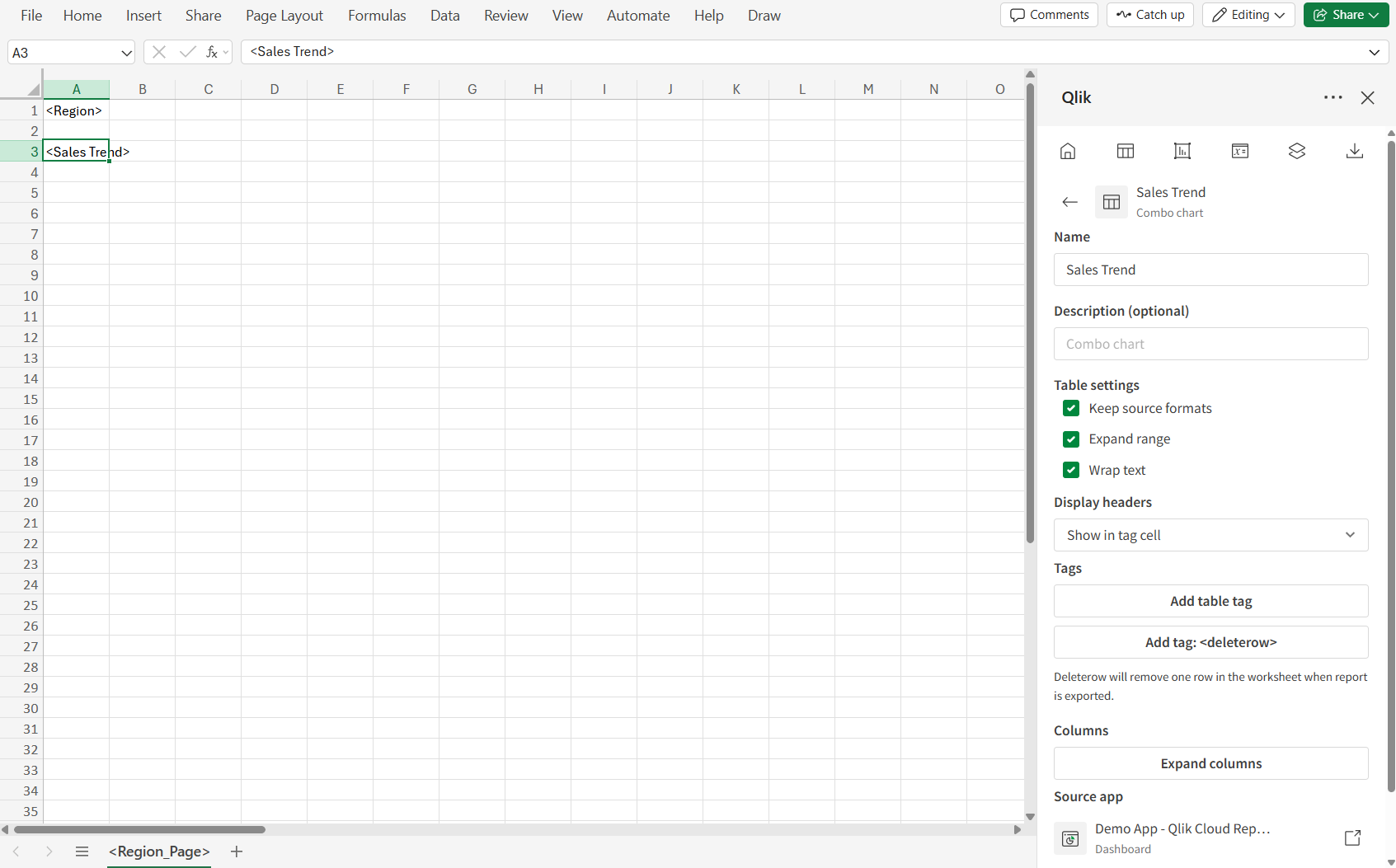
The Qlik add-in for Microsoft Excel is used to design tabular reports.
For more information, see Designing tabular report templates.
Qlik add-in for Microsoft Excel
Qlik add-in for Microsoft PowerPoint
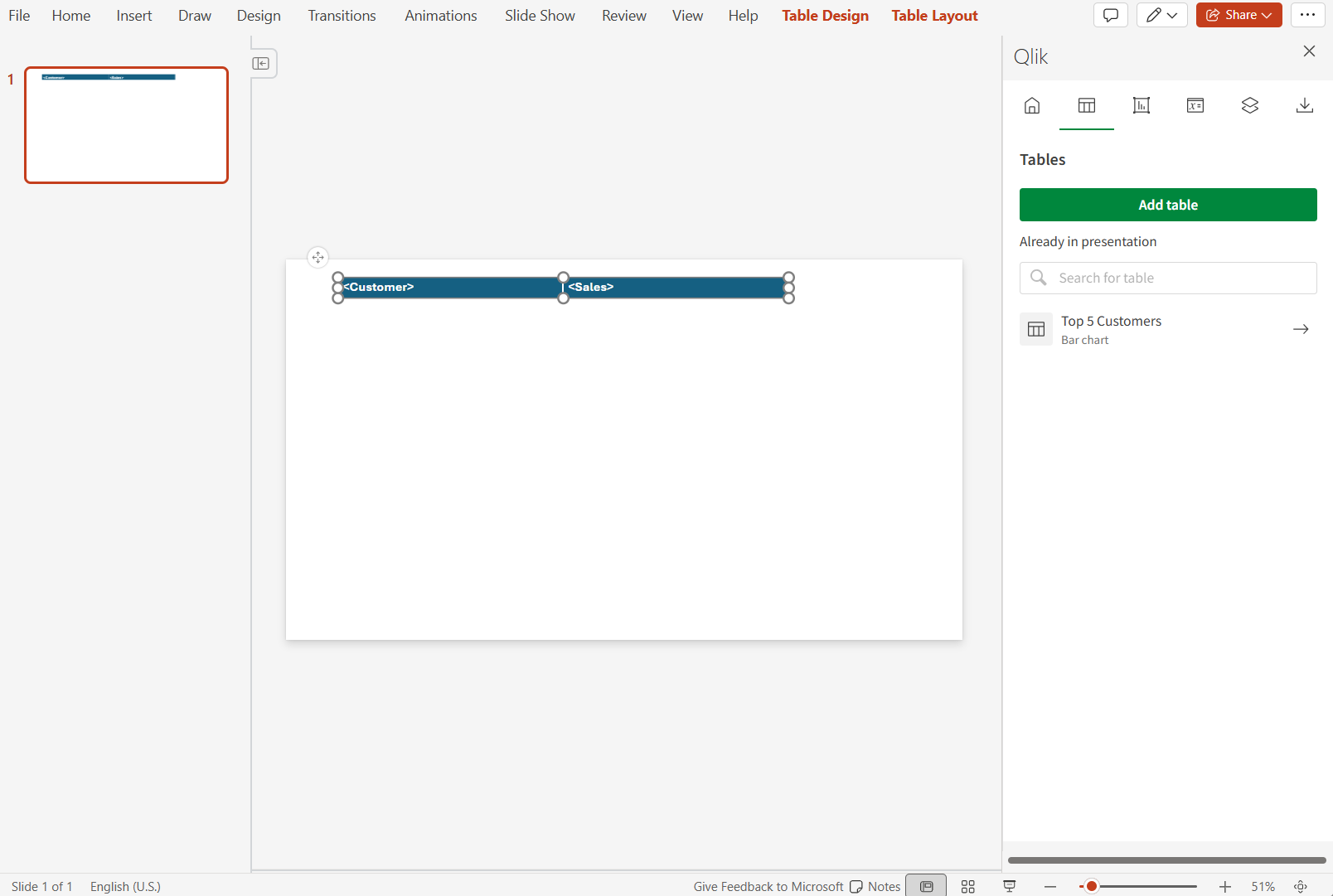
The Qlik add-in for Microsoft PowerPoint is used to design reports that can be used as slide decks.
For more information, see Designing PowerPoint report templates.
Qlik add-in for Microsoft PowerPoint
Qlik add-in for Microsoft Word
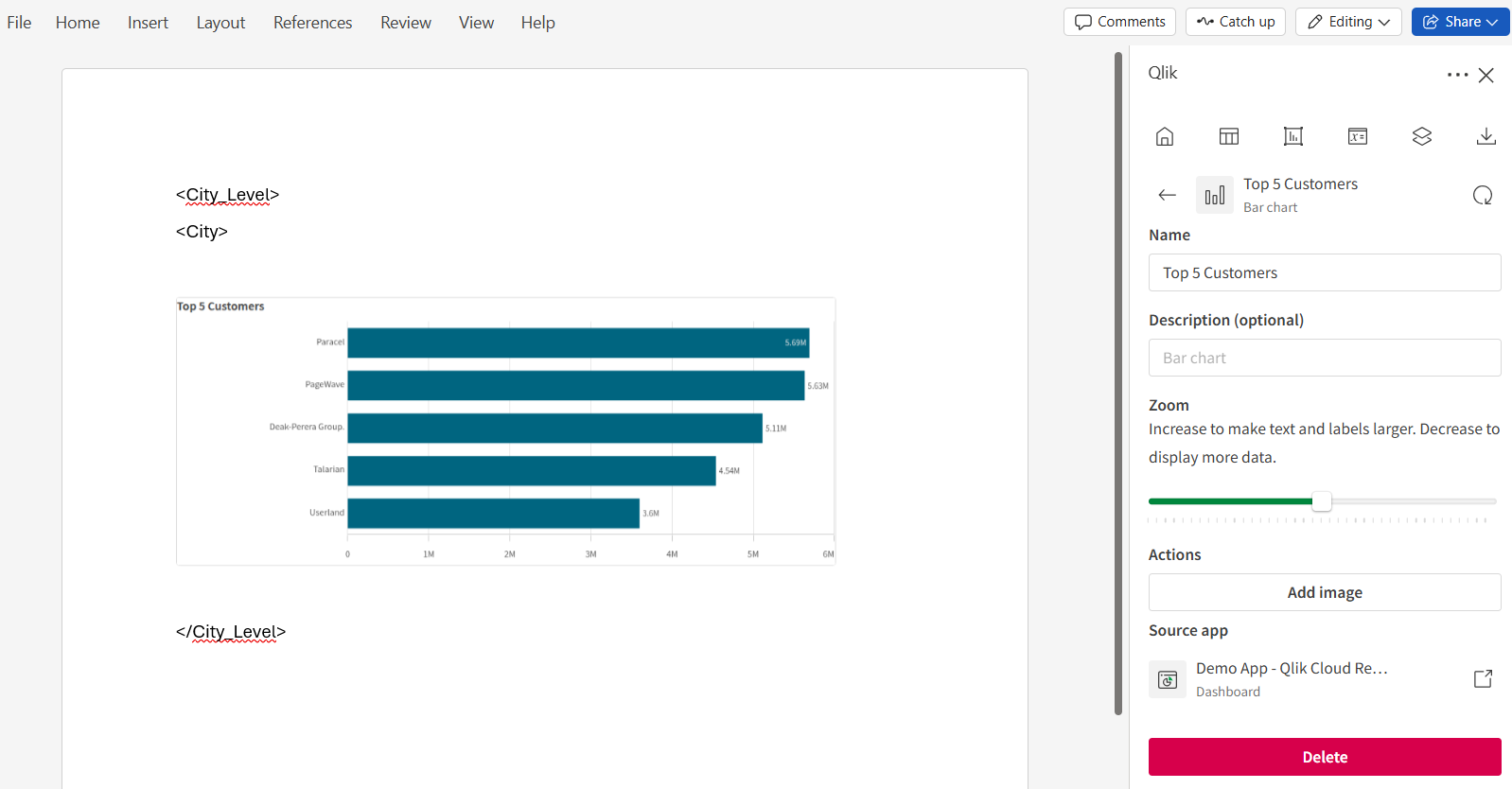
The Qlik add-in for Microsoft Word is used to design reports that will take the form of text-based documents.
For more information, see Designing Word report templates.
Qlik add-in for Microsoft Word