Styling a filter pane
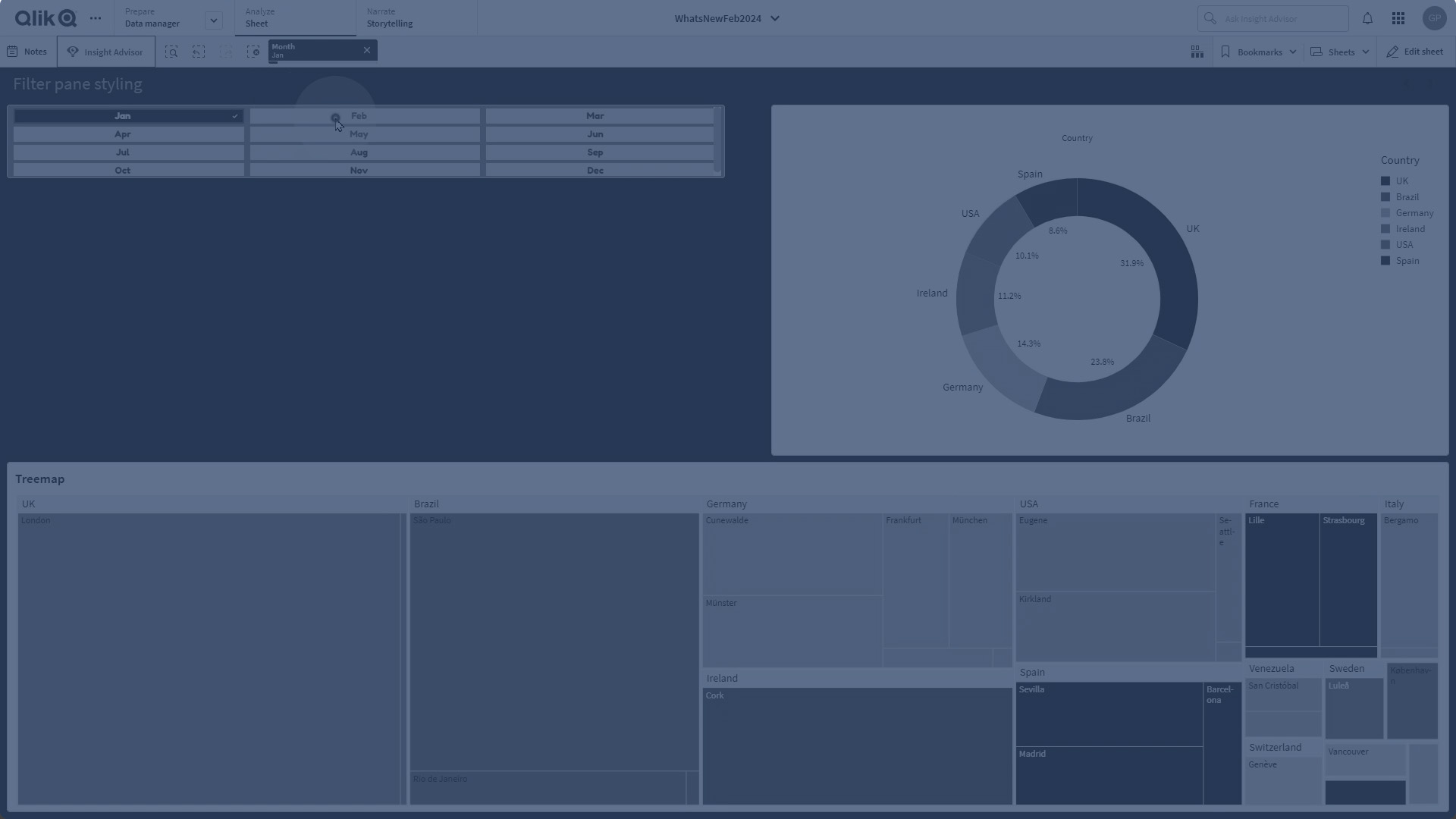
Learn how to style and customize the Qlik Sense filter pane using advanced appearance and presentation settings. This guide covers changing fonts, colors, backgrounds, selection states, list box design, alignment, compact view, grid layout, and custom sorting to create visually appealing and functional filter panes.
⏱ 0:00 – Introduction to customizing the filter pane
🎛 0:10 – Adding a filter pane and switching to advanced mode
🎨 0:33 – Styling options: fonts, colors, borders, and backgrounds
🗂 1:03 – Customizing list boxes: headers, content, and selection states
⚙️ 1:46 – Adjusting list box properties: hiding elements, alignment, compact view
📊 2:17 – Changing layout to grid and configuring rows
🔢 2:40 – Custom sorting with expressions
✅ 3:02 – Finished customized filter pane