
Editing your user profile
Last updated: 10/21/2026You can update your profile information from the Account page.
Do the following:
-
Click your user profile icon.
-
Select Manage account.
-
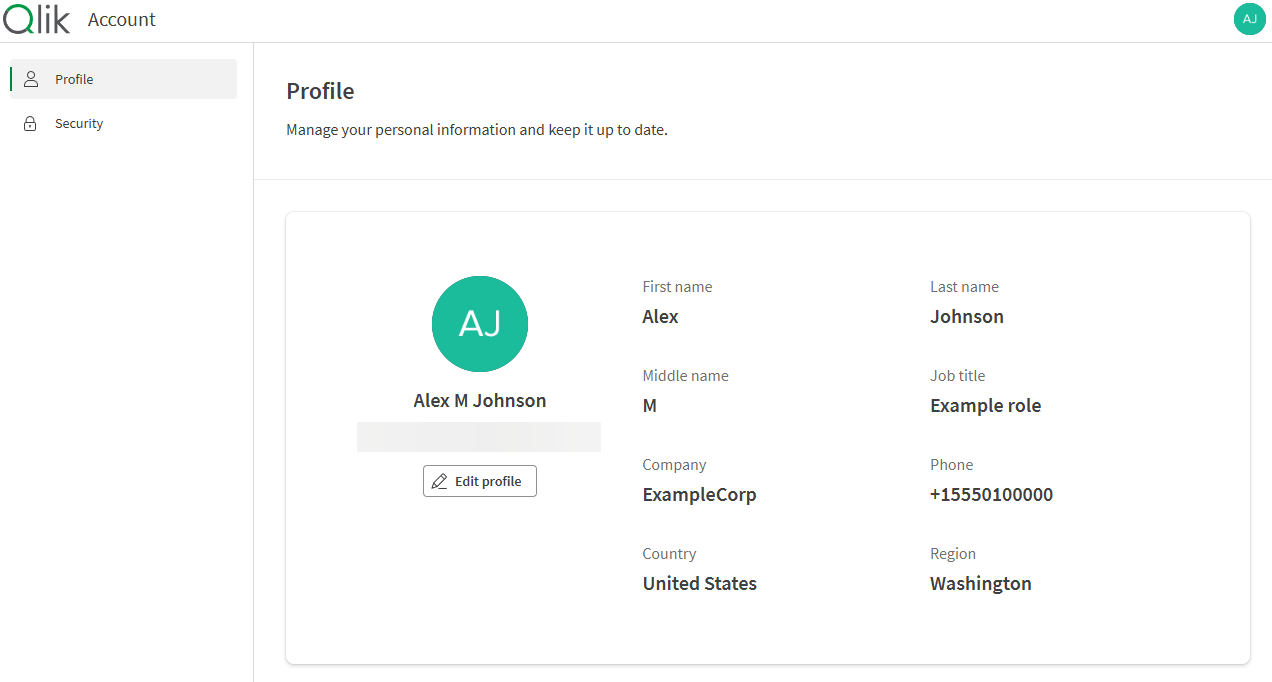
In the Profile section, click Edit profile.
Account profile page.
-
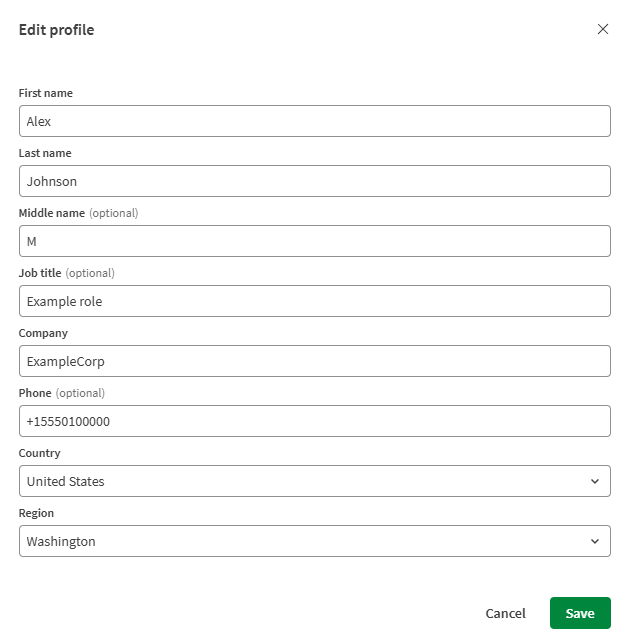
Update the following information as needed:
-
First name
-
Last name
-
Middle name (optional)
-
Job title (optional)
-
Company
-
Phone number (optional)
-
Country
-
Region (appears for applicable countries)
Edit profile dialog.
-
-
Click Save. Your changes take effect the next time you log in.
More account settings
From the Account page, you can also manage your security settings. For more information, see:
You can manage other preferences, such as language, time zone, and notifications, in your personal settings. See Managing your personal settings.
The Account page follows your browser language. If your browser language isn’t supported, the page will display in English.