Adding background layers in maps
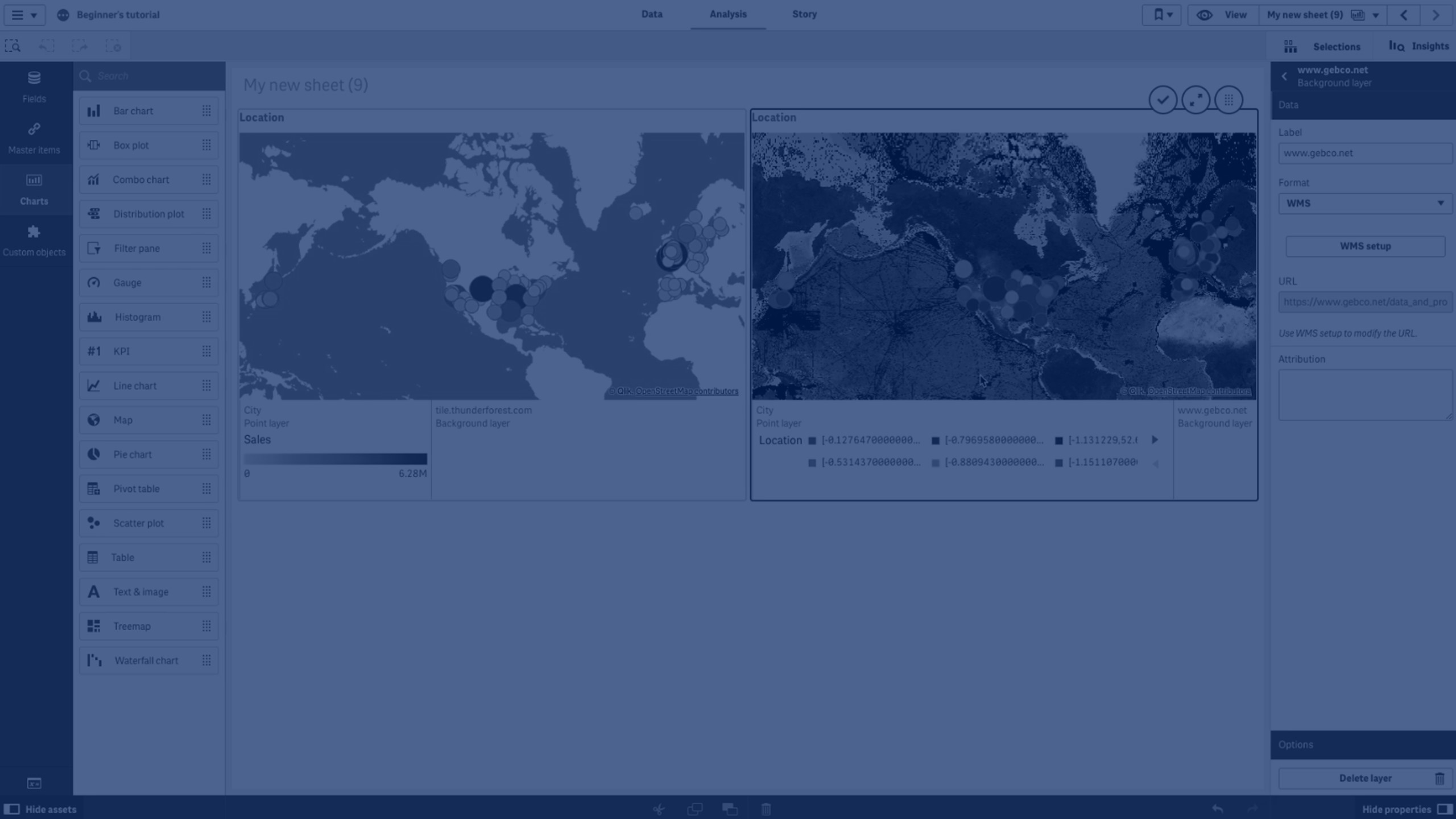
In this tutorial, you’ll learn how to add custom background layers to your map visualizations in Qlik Sense.
We’ll cover:
- Supported background formats (TMS, WMS, Image URL)
- Adding a Tile/Slippy Map Service (TMS) as a background layer
- Configuring a Web Map Service (WMS) background layer
- Setting CRS (Coordinate Reference System), image formats, and supported layers
- Saving and applying background layers to your maps
This guide is great for Qlik Sense developers and analysts who want to enhance their map visualizations with custom base maps.
🗺️ 00:05 – Introduction: Custom Background Layers in Qlik Sense
🌍 00:10 – Supported Formats: TMS, WMS, and Image URL
➕ 00:24 – Adding a Tile Map Service (TMS) Background Layer
🔄 00:45 – Background Layer Updated
🛰️ 01:00 – Adding a Web Map Service (WMS) Background Layer
⚙️ 01:11 – Configuring WMS Settings (URL, CRS, Image Format, Layers)
💾 01:37 – Saving and Applying the WMS Background Layer
🏁 01:44 – Conclusion