Working with master measures
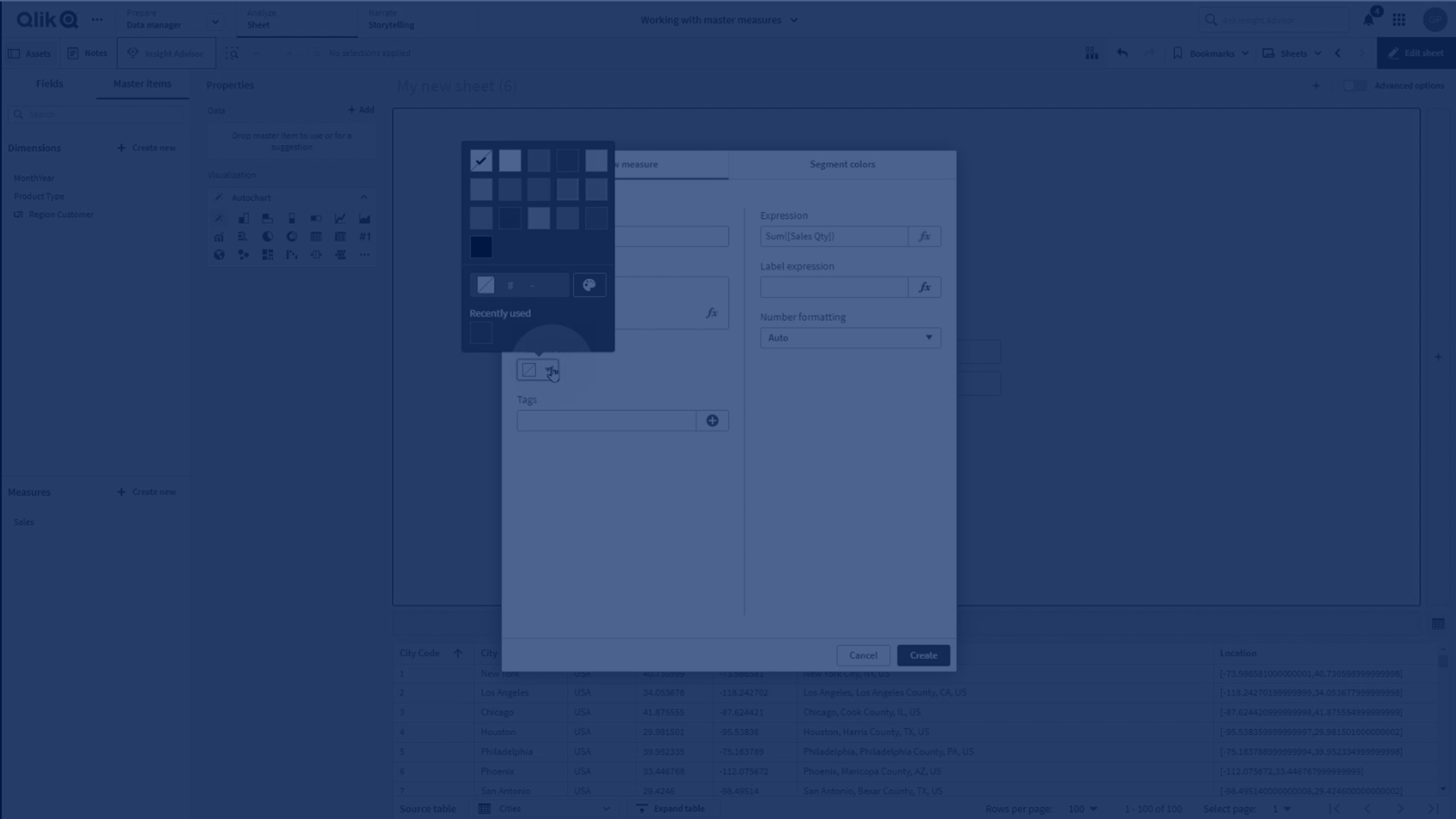
In this tutorial, you’ll learn how to create and manage master measures in Qlik Sense to make your analysis more efficient and reusable.
You’ll discover how to:
- Create master measures from fields or custom expressions
- Validate syntax and apply aggregation functions
- Assign colors, labels, and tags to measures
- Reuse master measures in KPIs, charts, and other visualizations
- Edit or delete master measures while keeping your dashboards up-to-date
🧮 00:08 – Introduction: Using Master Measures
➕ 00:28 – Creating a Master Measure from a Field
✏️ 00:53 – Using the Expression Editor & Syntax Validation
🎨 01:04 – Assigning Colors, Labels, and Tags
✅ 01:10 – Saving the Master Measure
📊 01:18 – Creating Measures with Aggregation Functions
🛠️ 01:31 – Adding Complex Expressions
📈 02:28 – Using Master Measures in KPI & Bar Charts
✏️ 02:49 – Editing Existing Master Measures
🔁 03:06 – Reusing Master Measures in Other Expressions
❌ 03:35 – Deleting a Master Measure
🏁 03:46 – Conclusion