Filtering values in visualizations with searches
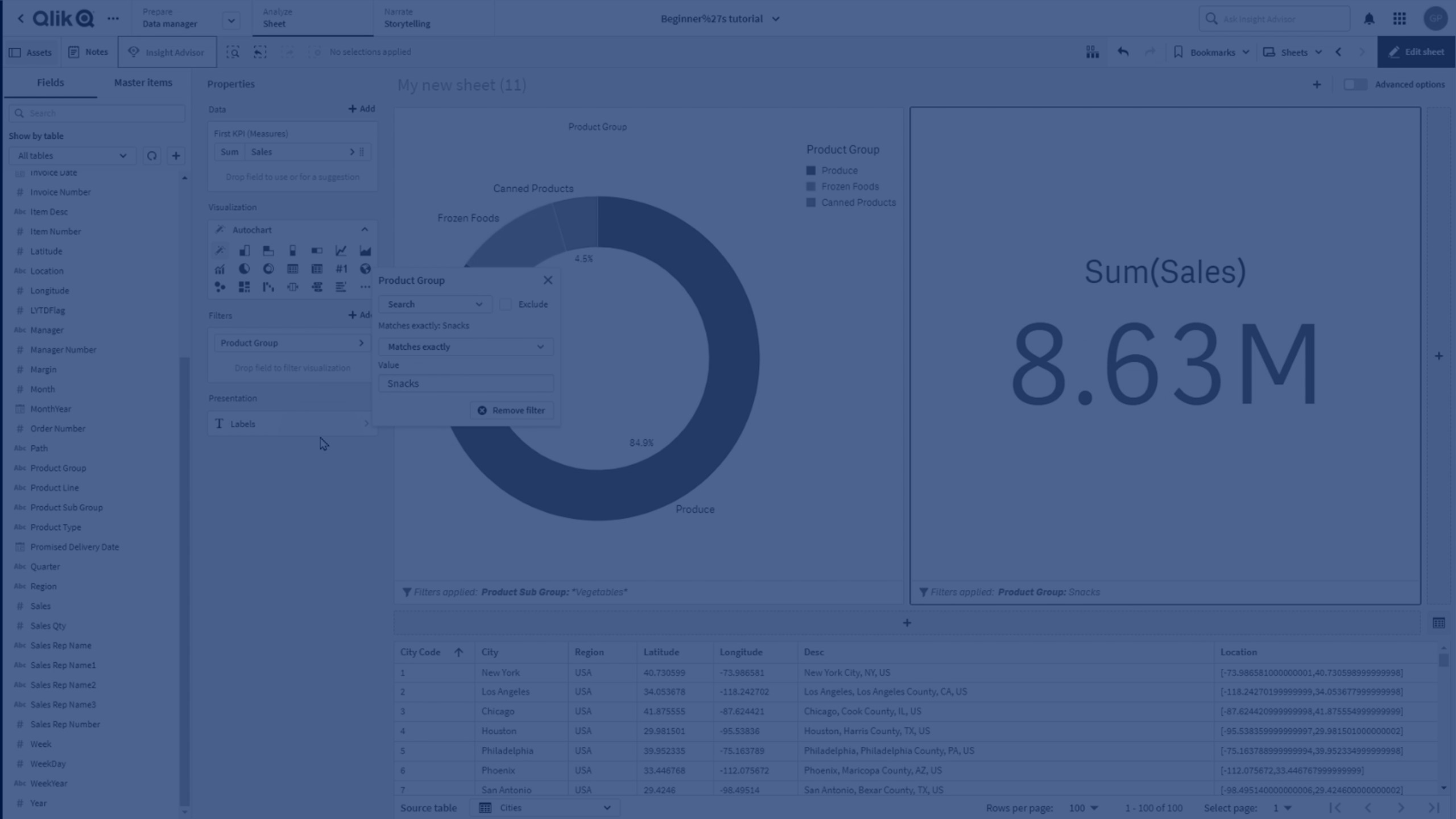
In this tutorial, you’ll learn how to use search filters to refine data based on different string and numeric search types. Whether you're building a KPI chart or filtering dashboard data, mastering these search techniques can help you gain deeper insights quickly.
⏵ 00:00 – Introduction to Search Filters
🔎 00:06 – Filtering Values with Search
🧩 00:12 – Why Use Partial String Filtering
📚 00:17 – Overview of Search Types
🔤 00:20 – "Contains" Search Type Example (Vegetables)
✔️ 00:43 – "Matches Exactly" Search Type Example (Snacks)
🔠 01:10 – "Starts With" Search Type Example (Canned)
🔚 01:37 – "Ends With" Search Type Example (Cities ending in "-er")
📝 02:11 – "Beginning of Word" Search Type Example (Foods vs Seafoods)
🔢 02:47 – Using Search on Numeric Values
🎬 02:54 – Conclusion