
Registering source and target servers
Last updated: 10/6/2026Before migrating assets, both the source and target TAC servers must be registered in Qlik Talend Cloud Migration Toolkit.
The source server contains the assets to migrate. The target server is the destination TAC instance.
Selecting the migration product
- Sign in to QTCMT.
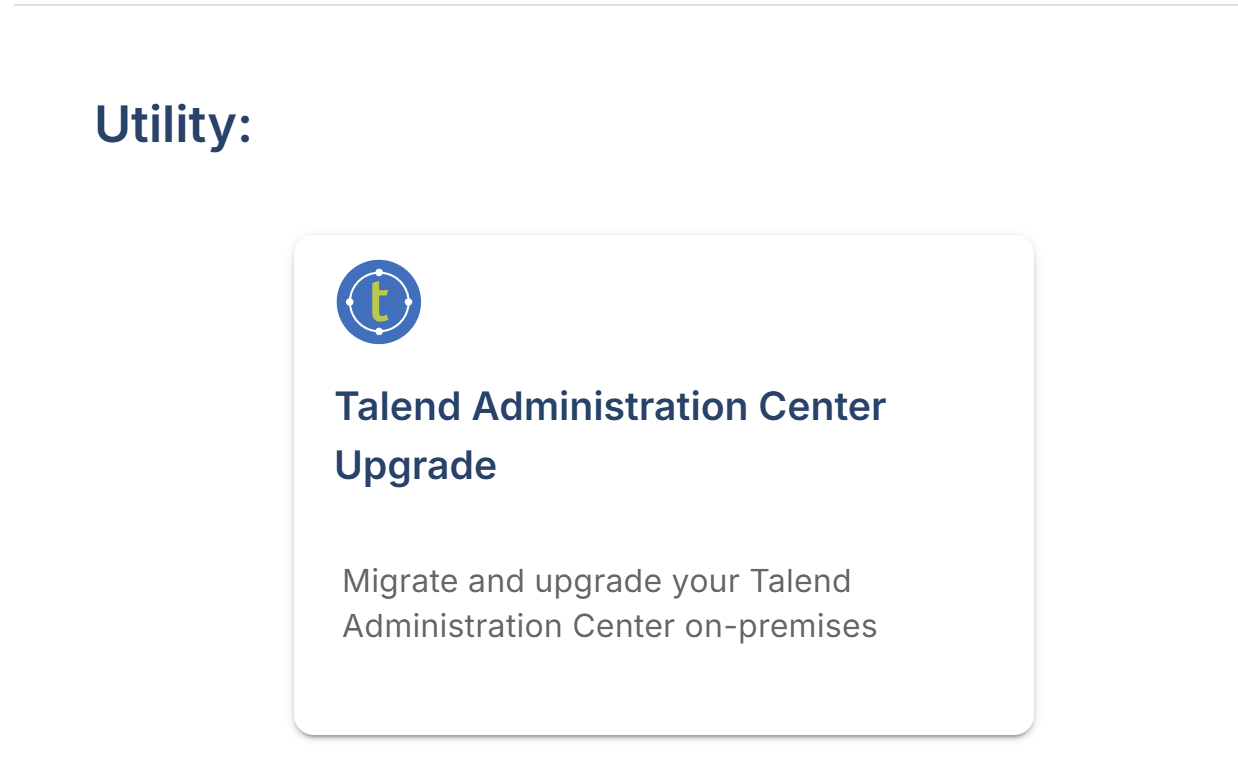
- Navigate to the Utility section on the product selection
page and select the Talend Administration Center Upgrade tile.
The left navigation drawer displays the available menu options for the on-premises migration workflow.
Registering the source server
- Select Source Servers in the left navigation drawer.
- Click the + button to add a new TAC server.
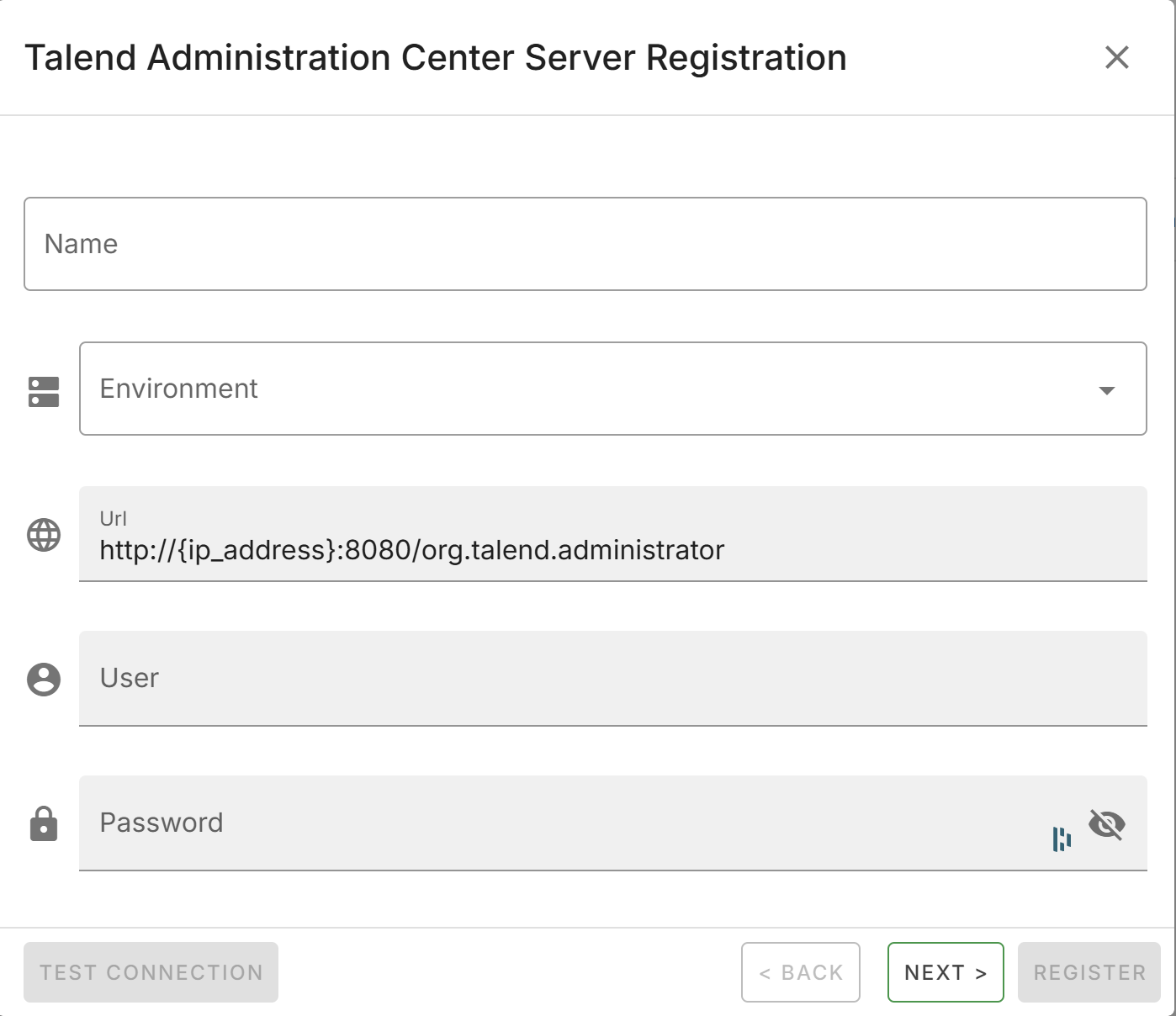
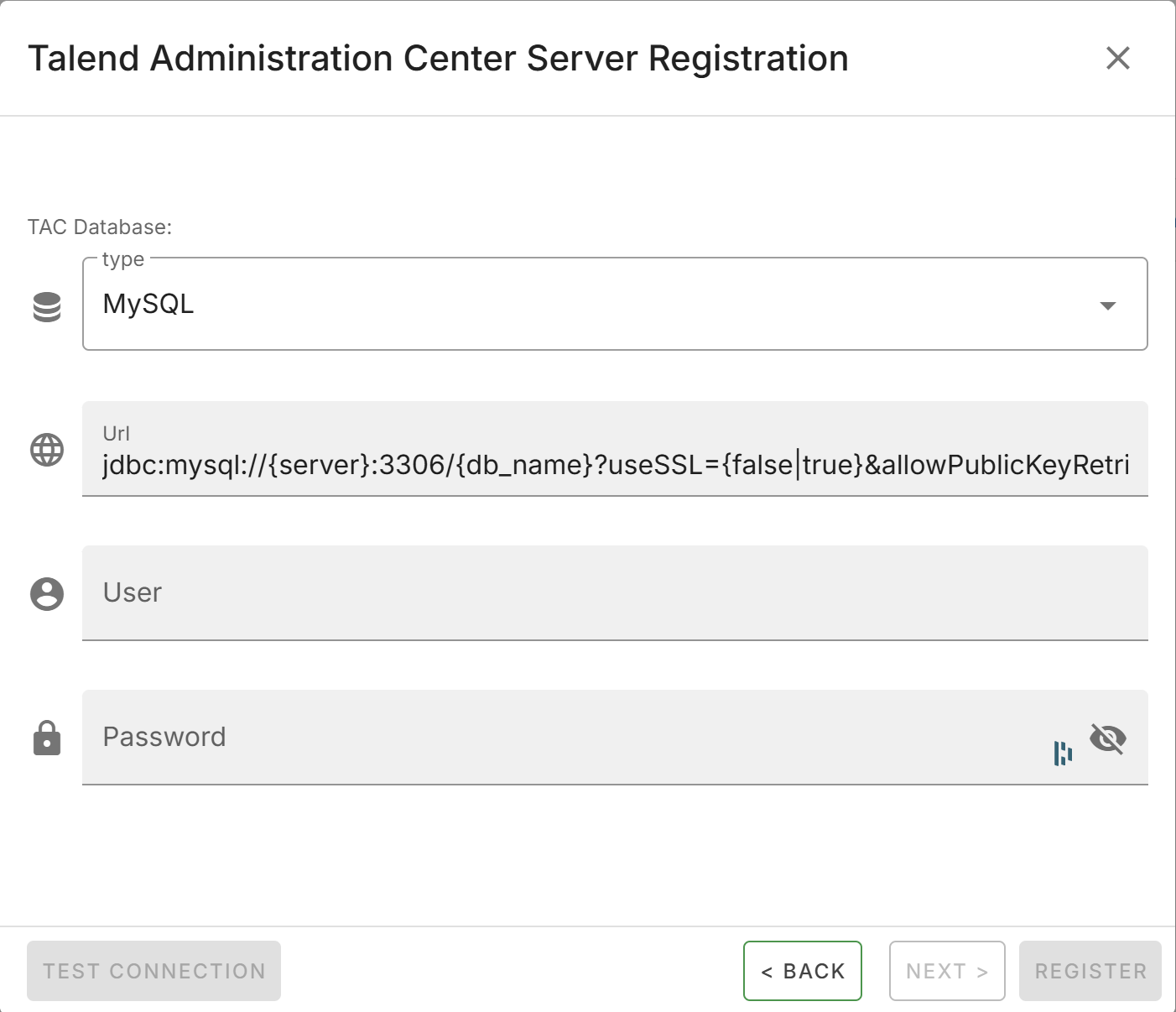
- Provide the following connection details:
Field Description Name A display name for the server. Environment The environment label (for example Development, Staging, Production). URL The TAC server URL. User The TAC administrator username. Password The TAC administrator password. Database Type The database engine used by the TAC (for example MySQL, PostgreSQL, Oracle). Database URL The JDBC connection string for the TAC database. Database User The database username. Database Password The database password. - Click Save to register the server.
After registration, the source server appears in the server list. QTCMT collects the inventory of assets from the source TAC. The inventory is accessible through the navigation drawer under Users, Groups, Projects, Artifacts, Tasks, and Plans.
Registering the target server
- Select Target Server in the left navigation drawer.
- Click the + button to add a new TAC server.
- Provide the same connection details as the source server registration using the credentials of the security user with updated roles.
- Click Save to register the server.
After both servers are registered, the Migration option appears in the navigation menu.