Starting and stopping Qlik Talend Cloud Migration Toolkit
Last updated: 10/6/2026Procedure
- Launch the startup script.
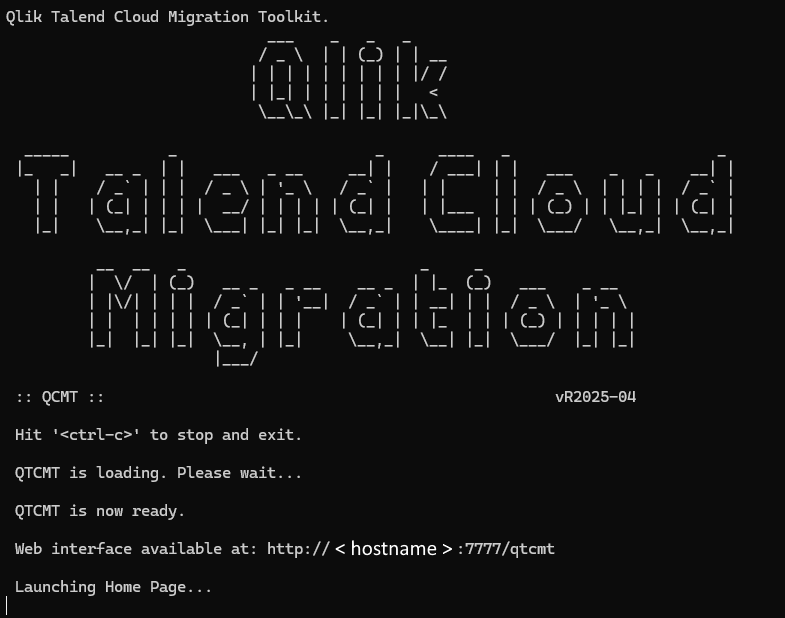
Operating System Command Result Windows Double-click start_qtcmt.bat or run it from PowerShell/Command Prompt: > start_qtcmt.batA new Command Prompt window opens. Linux / macOS From the installation directory: $ ./start_qtcmt.shStartup messages stream to your current terminal. Information noteTip: Keep this window open. Press Ctrl + C at any time to shut down Qlik Talend Cloud Migration Toolkit.When the toolkit has finished its self-checks and component loading, you can see a banner similar to the one below.<hostname> is the network name (or IP address) of the machine on which Qlik Talend Cloud Migration Toolkit is running.
- Open the web interface.
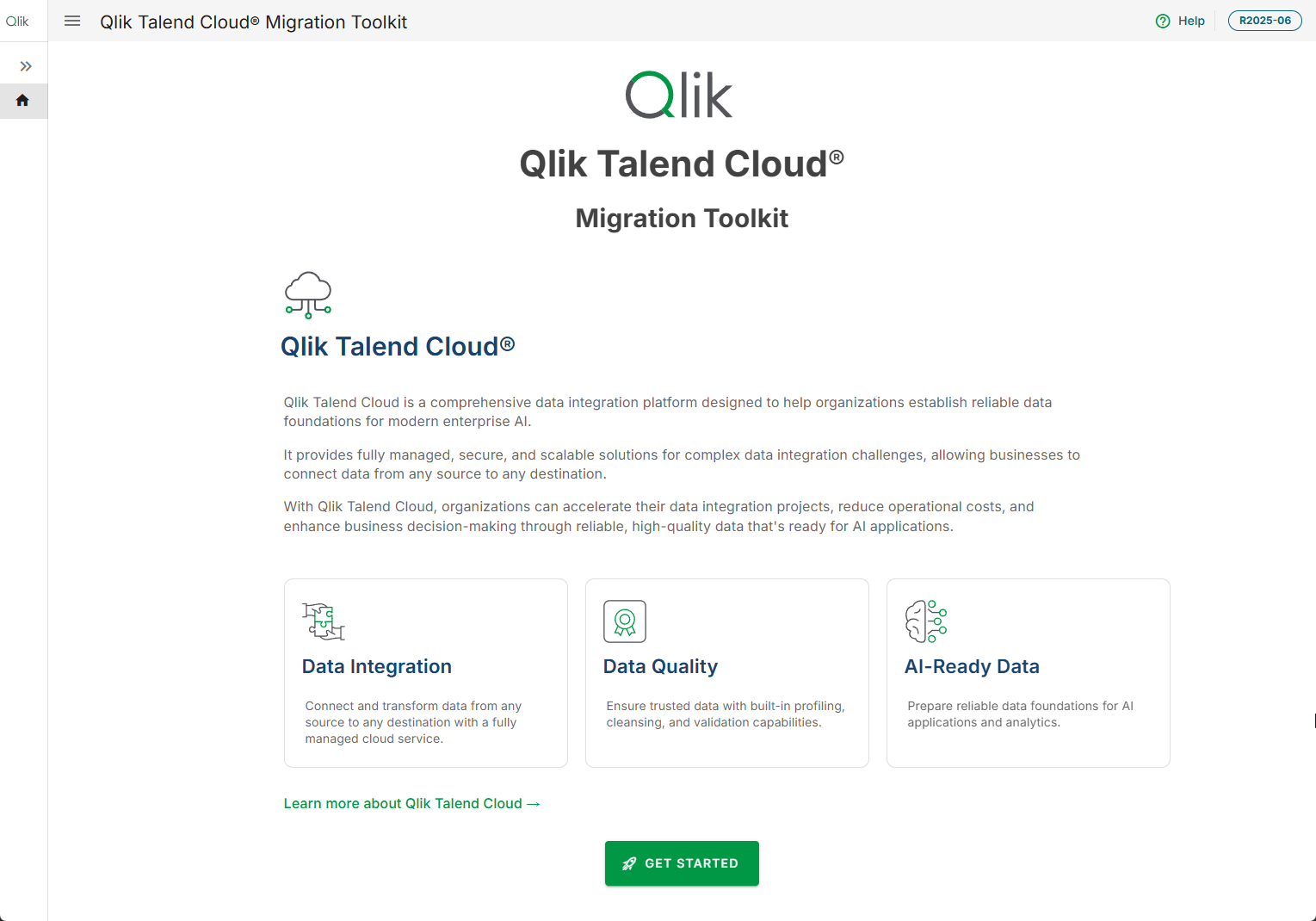
- Windows: Qlik Talend Cloud Migration Toolkit automatically opens the landing page in your default browser.
- Linux/macOS: Open the URL shown in the banner (e.g., http://<hostname>:7777/qtcmt) with your preferred browser.