
Storing your custom Maven settings file in Jenkins
Before you begin
- Retrieve the settings.xml file from the Downloads tab in the left panel of this page.
- Retrieve the settings.xml file from the Downloads tab of the online version of this page, at https://help.talend.com/.
- Adapt the file to your environment by replacing the parameter values (Nexus or
Artifactory URLs, host names, ports, credentials, etc.) and save your
changes.Information noteTip: Look for the XXX references in the file provided as an example and replace them with values corresponding to your environment. This example file is adapted for Nexus. If you are using another artifact repository like Artifactory, you need to adapt this example to your repository URLs.
Procedure
-
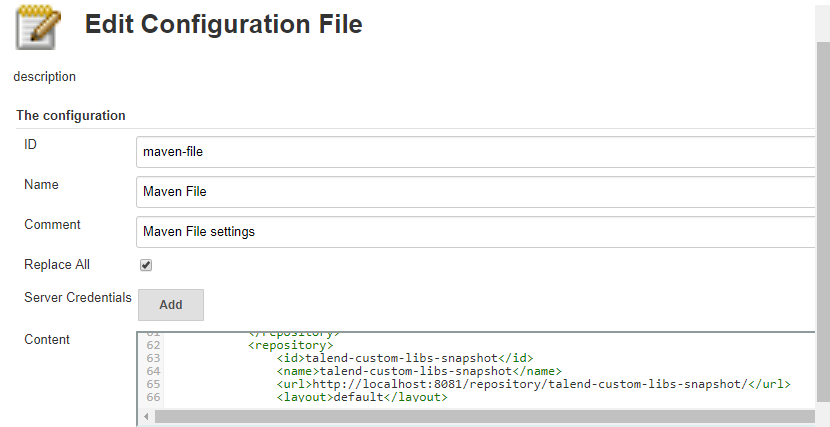
Add a configuration file, give it a name and an ID, for example
maven-file. This ID will later be used
in the Jenkins pipeline
script.
Results
This file contains the connection information to your artifact repositories, you will be able to reference this file later in the configuration of your Jenkins pipeline.