
Storing login credentials in Jenkins
Last updated: 9/30/2025You need to store the login credentials of your source control management tool and deployment containers (Docker, Amazon AWS, Azure, etc.) in Jenkins.
Procedure
-
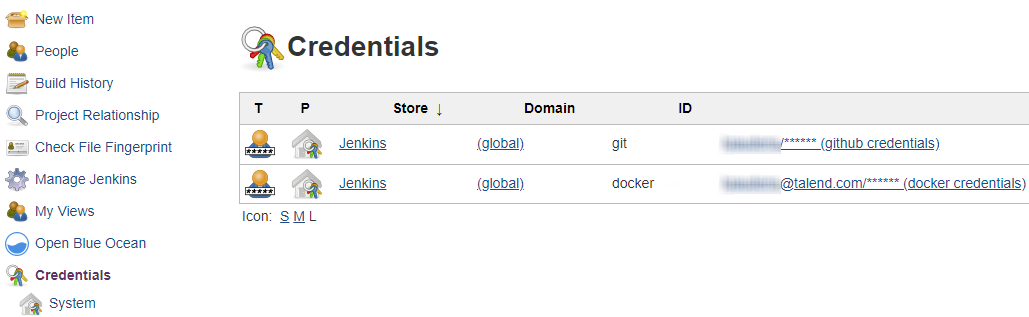
Click and add the following credentials:
- Git or SVN: where your project items (Jobs,
Routes, Tests, etc.) are stored
Name its ID git, this name will be used in the pipeline script
- (optional) Docker: where you want to deploy your artifacts
Name its ID docker, this name will be used in the pipeline script
- (optional) Amazon AWS, Microsoft Azure
- Git or SVN: where your project items (Jobs,
Routes, Tests, etc.) are stored