
Creating the Jenkins pipeline
Last updated: 9/30/2025
How to create the build pipeline on the Jenkins server.
Procedure
-
Give a name to the pipeline and select Pipeline in the
list.
Pipeline name (example)
Goal
Talend_Pipeline
-
Gets the sources (potentially at each commit) and converts them to Java classes. This project installs and uses the Talend CommandLine application that generates all the sources of the artifacts (Jobs, Routes, Services and Tests) you have created in your project.
-
Runs all Test Cases at once.
- Deploys the artifacts on the artifact repository or Docker registry of your choice.
Information noteWarning: To publish ESB artifacts (Routes and Data Services) to Docker, see Building Docker images for Data Services and Routes Microservices.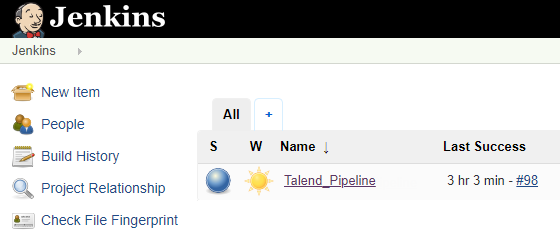
-