
Configuring tPigReplicate
Procedure
-
Double-click tPigReplicate to open its
Component view.
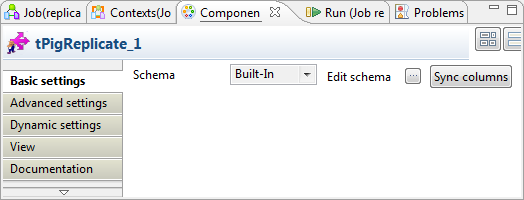
-
Click the
 button next to Edit schema to open the schema editor to verify
whether its schema is identical with that of its preceding component.
button next to Edit schema to open the schema editor to verify
whether its schema is identical with that of its preceding component.
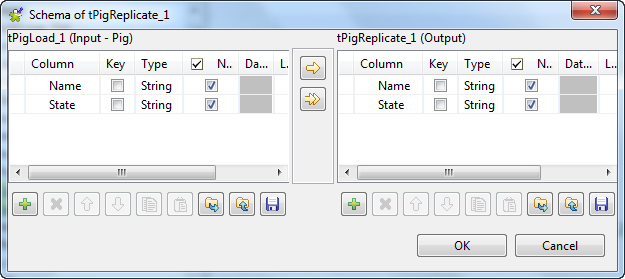 Information noteNote:
If this component does not have the same schema of the preceding component, a warning icon appears. In this case, click the Sync columns button to retrieve the schema from the preceding one and once done, the warning icon disappears.