Using levels in an Excel report template - Qlik Cloud Analytics
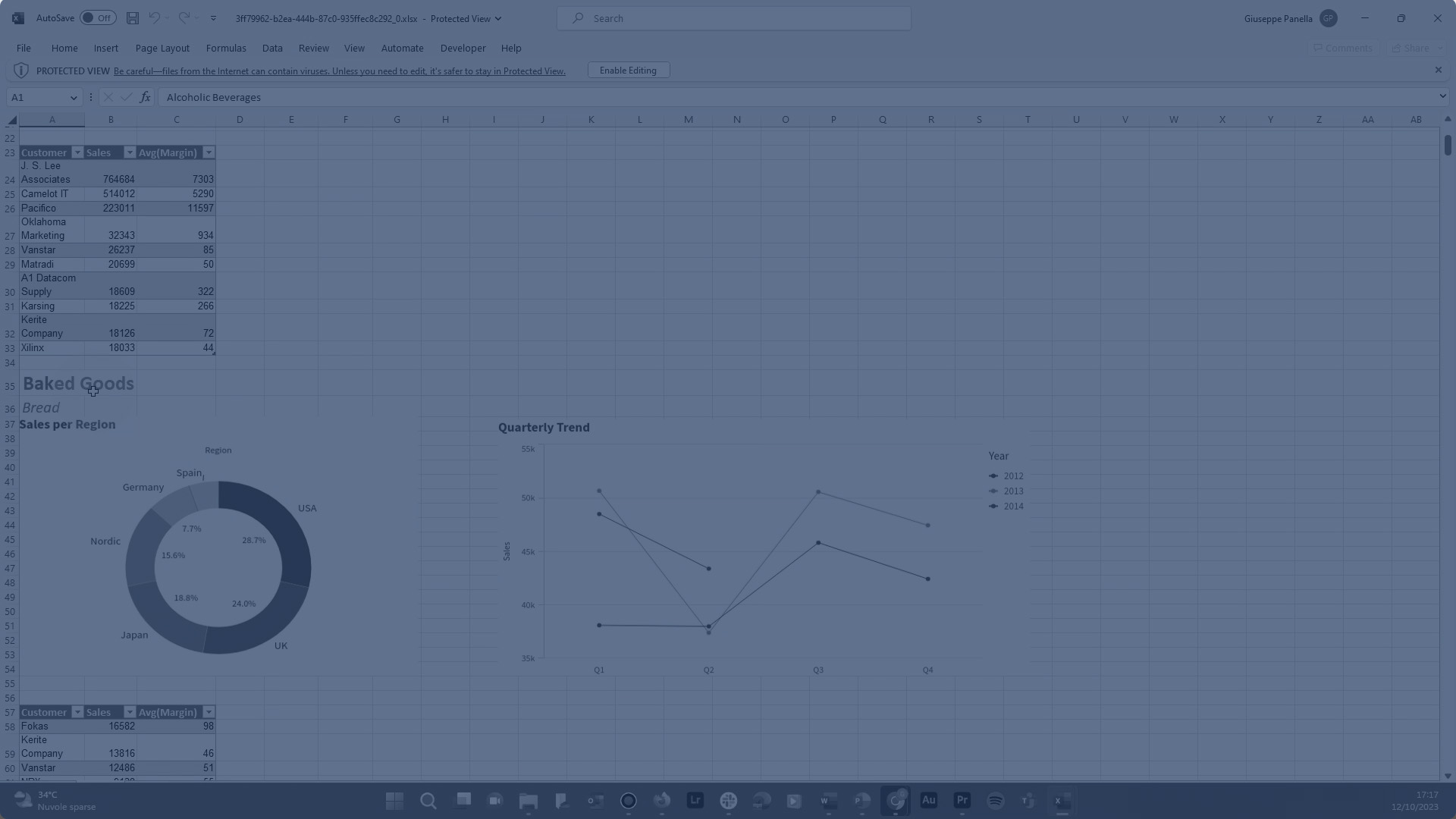
This video shows you how to use levels in a report template. Levels cycle report elements through all the distinct values of a field or the rows of a straight table. The results are displayed in the order of the field elements or of the rows of the table used to create the levels.
Use levels to create sections in your report, filtering your data by dimension values or by row-level chart aggregations. Within a level, you add the tabular data and chart images that want to view separate filtering for.