Qlik Talend Cloud Migration Toolkit supports
the migration and upgrade of a Talend Administration Center (TAC)
instance to another TAC instance.
The on-premises migration transfers administrative assets, projects, and runtime
configurations from a source instance to a fresh target instance. Supported migration paths
include Talend 7 to
Talend
7, Talend
7 to Talend 8, and Talend 8 to
Talend
8.
Scope
The migration covers the following areas:
Source and target server registration
Source server inventory
Server asset migration
Supported migration types
Administrative assets:
Users
Groups
Projects, with associated user and group authorizations
Information noteNote: The default security user (ID 1) on the source TAC is excluded
from migration. The security user is reserved by the system and already exists on the
target TAC.
Information noteWarning: If a user, group, or project with the same
name already exists on the target TAC, the existing entry is overwritten with the
source values.
Talend
project:
Code upgrade and Git push
Nexus / JFrog Artifactory
Runtime assets:
Virtual servers, Job servers, and runtime servers (database references only)
Tasks
Task parameters
Task triggers
Plans
Prerequisites
You must have a source TAC server containing the assets and at least one project
to migrate.
You must have a target TAC server initialized with only the default user.
You must have Qlik Talend Cloud Migration Toolkit
version R2026-03 or later.
Both TAC servers must be version 7 or 8. Versions prior to 7 may cause errors on
migration or upgrade.
Both source and target servers must use the same database engine (such as both
MySQL, both PostgreSQL, or both Oracle).
You must have a license file for the target TAC, available locally.
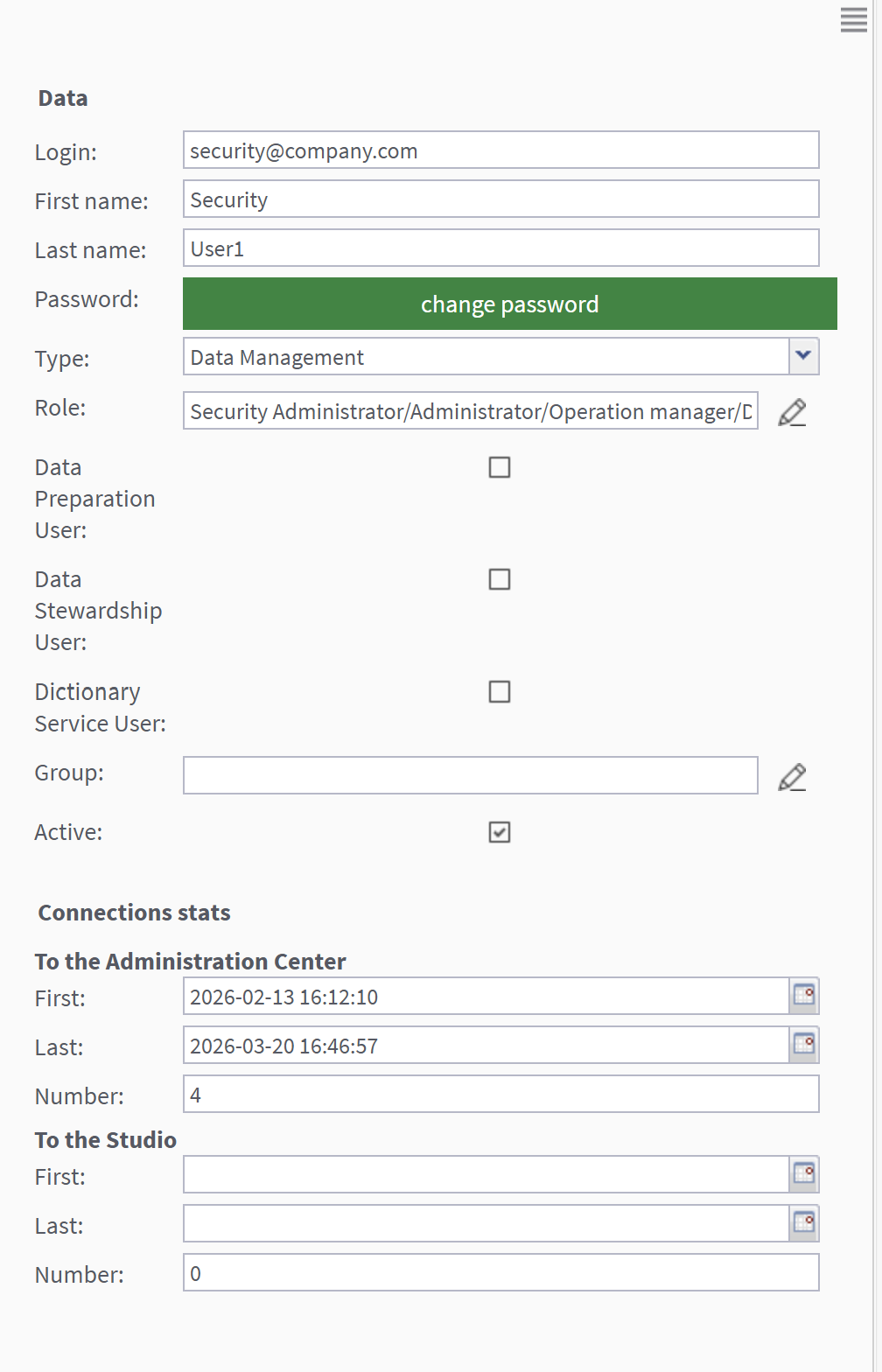
The default target TAC user must have the following roles and type: