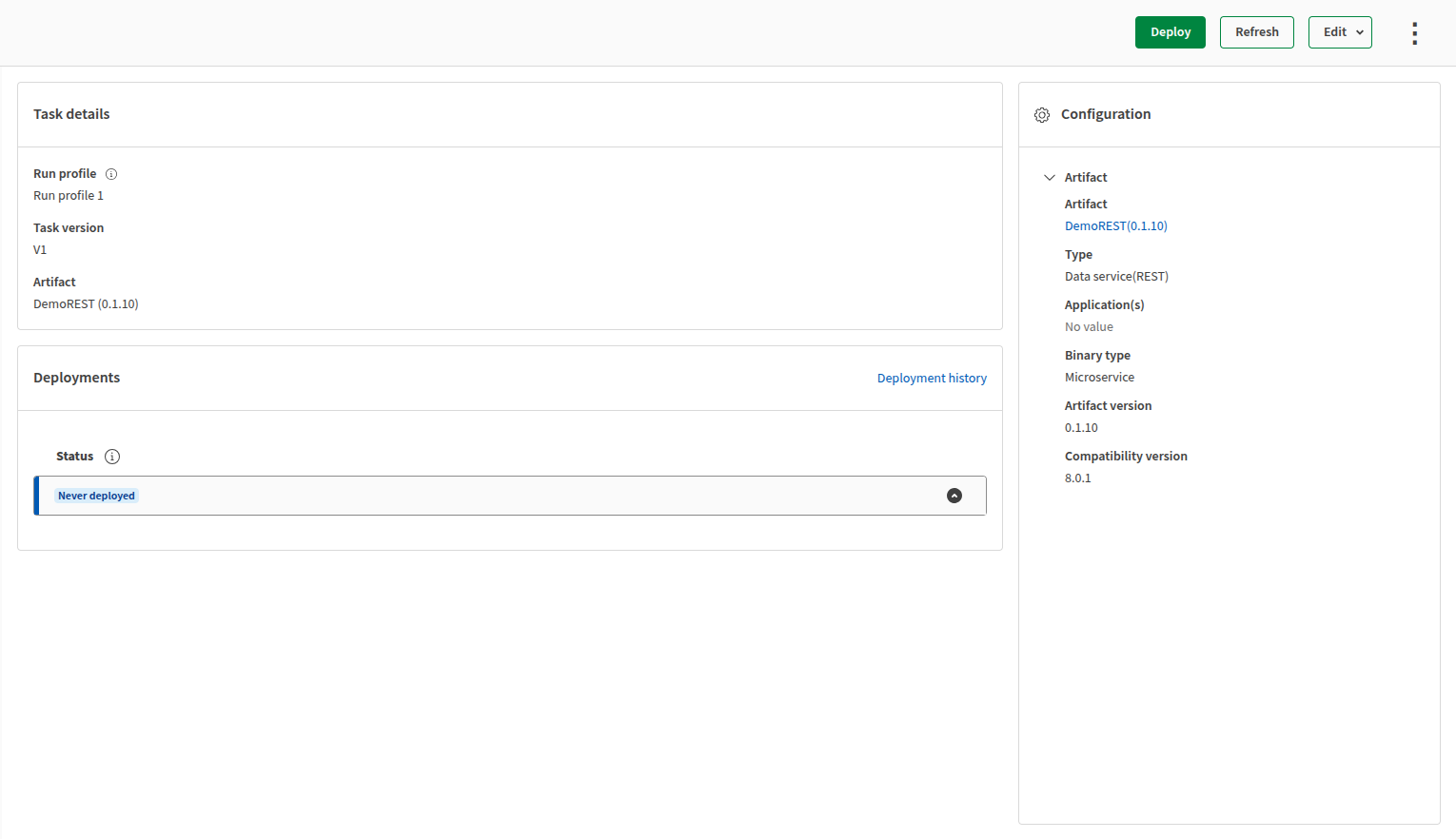
Adding a Data service task in a Dynamic Engine environment
Last updated: 10/1/2026Data service tasks are executable integration processes that contain a service published from Talend Studio.
Data services cannot be scheduled or added to plans. This type of service runs until it is explicitly undeployed by an operator.
Before you begin
- You have installed a Dynamic Engine and its environment using Helm. For more information, see Helm deployment.
- You must have the Editor (Author) permission on the space where the task is located to create or edit a task and manage its configuration.
- You must have the Operator (Execute) permission on the space where the task is located to manage the run configuration.
Procedure
- Open the Management page.
- Go to the Tasks tab.
- Select the Dynamic Engine environment using the Environments filter at the top of the page.
- Click Create new then Task.
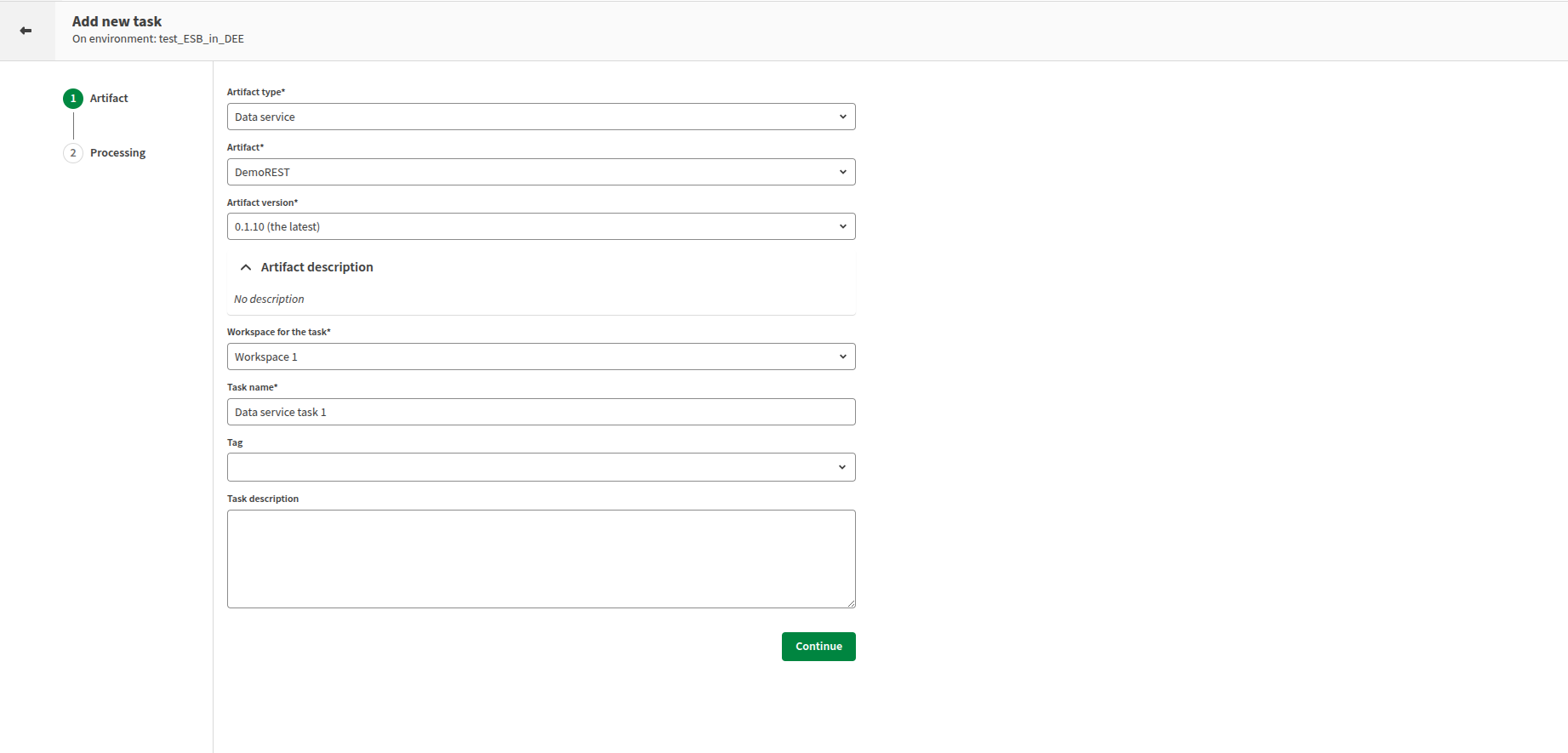
Artifact step
Procedure
- Optional:
Add a tag and a description for your task.
Parameters and Advanced parameters steps
About this task
Procedure
Studio connections and Studio resources steps
About this task
Procedure
Processing step
Procedure
Results