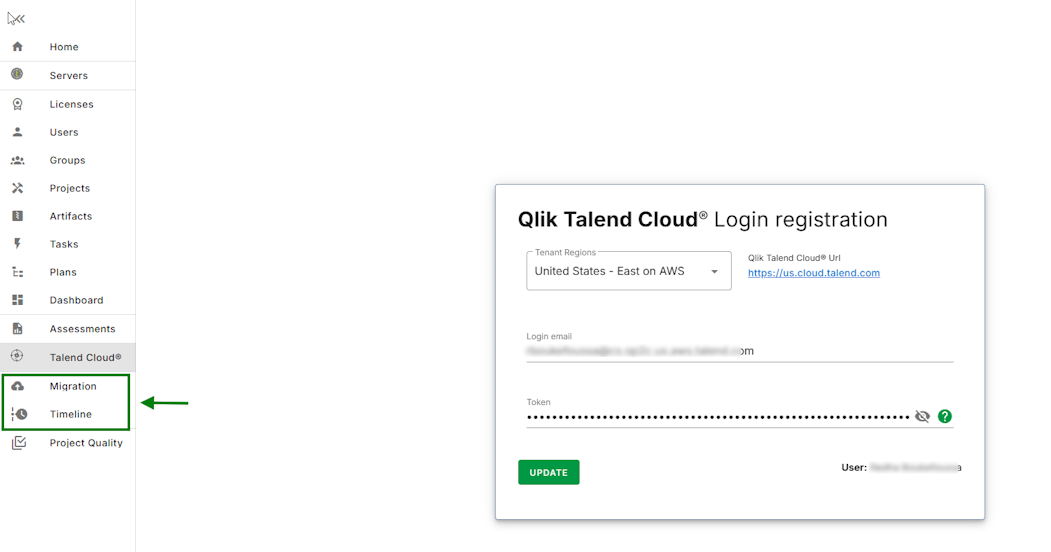
Registering a Talend Cloud user
Last updated: 10/6/2026Procedure
- Open the Talend Cloud
Login registration page.
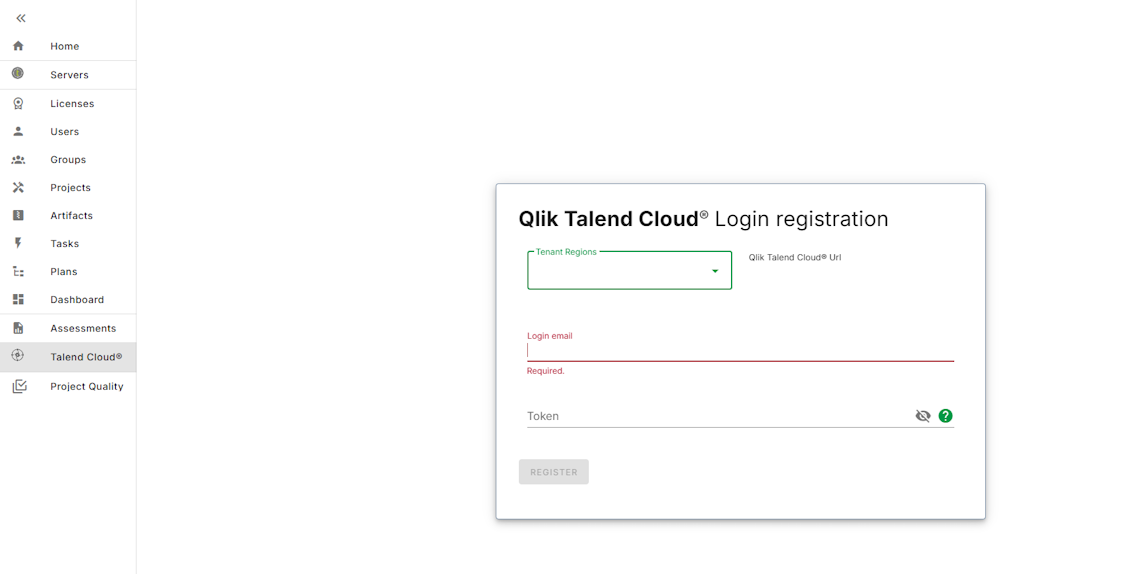
- Enter the following information:
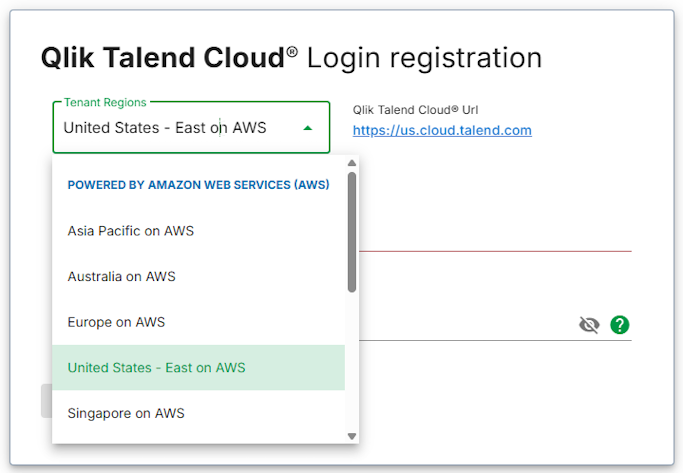
Field Name Description Talend Cloud Regions Select the Talend Cloud region specific to your Talend Cloud account.
Email Enter your email address.
You must have the following Talend Management Console roles:
- Security Administrator
- Projects Administrator
- Environment Administrator
- Infrastructure Administrator
- Operator
- Integration Developer
For more details on the required roles, see Talend Management Console predefined user roles.
Token Enter a personal access token.
For more information, see Generating a Personal Access Token.
Personal Access Tokens are the safest and recommended authentication mode to use.
Results