
Registering source and target tenants
Last updated: 9/1/2026Before assets can be migrated, both the source and target tenants must be registered in Qlik Talend Cloud Migration Toolkit.
The source tenant contains the assets to migrate. The target tenant is the destination environment.
Selecting the migration product
- Sign in to QTCMT.
- Navigate to the Utility section on the product selection
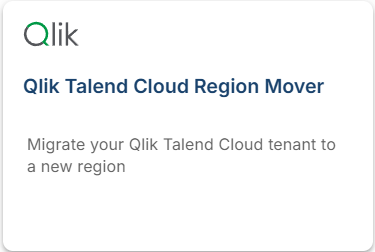
page and select the Qlik Talend Cloud Region Mover tile.
The left navigation drawer displays the available menu options for the region migration workflow.
Registering the source and target tenants
- Select Talend Cloud in the left navigation drawer.
- Click Add Source to add a source tenant, or Add Target to add a target tenant.
- Provide the following connection details:
- Tenant Region: The region the tenant is registered in.
- Login Email: The email address the tenant is registered to.
- Token: The personal access token generated in Talend Management Console.
- Click Save to register the tenant.

Repeat the steps above for each tenant. The source and target tenants are registered the same way.
Reviewing the collected inventory
After registration, the source tenant is displayed with identifying information. Qlik Talend Cloud Migration Toolkit collects the inventory of assets from the source tenant. The inventory is available through the navigation drawer under Users, Groups, Projects, Artifacts, Tasks, and Plans.
After both tenants are registered, the Migration option is displayed in the navigation menu.