Defining responses
Last updated: 10/15/2026Define one or several responses for your operation.
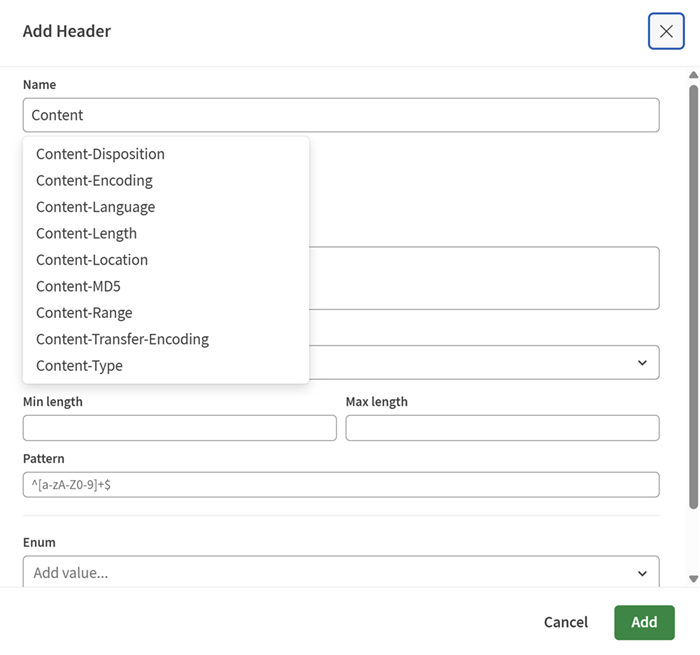
- Select a Status code and add a
Description if needed.
You can select:
- A specific status code such as 200.
- A response range such as 2XX.
- A Default response.
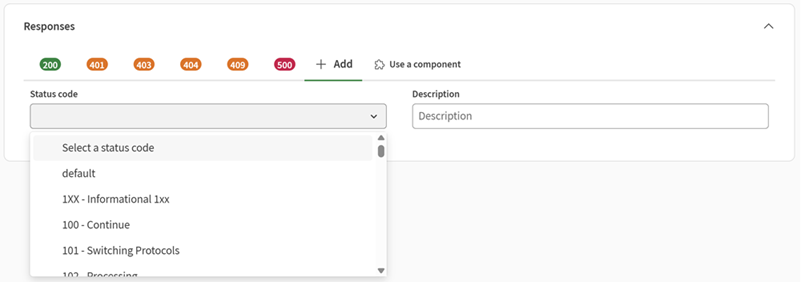
- Click Add header.
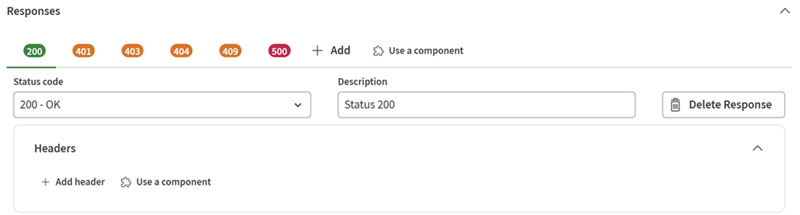
- Enter the following information:
- Name: Start typing a name to see a drop-down list of headers.
- Type: You can use a reusable data type.
- More attributes are available to edit your header.