
Talend Management Console
Last updated: 10/6/2026New features
| Feature | Description |
|---|---|
|
Data Integration Jobs published from Talend Studio to Talend Management Console generate input and output datasets and lineage. The new Allow lineage collection of this task option in the Processing step, when creating or editing your task, allows you to send and view the datasets and lineage in Qlik Cloud. 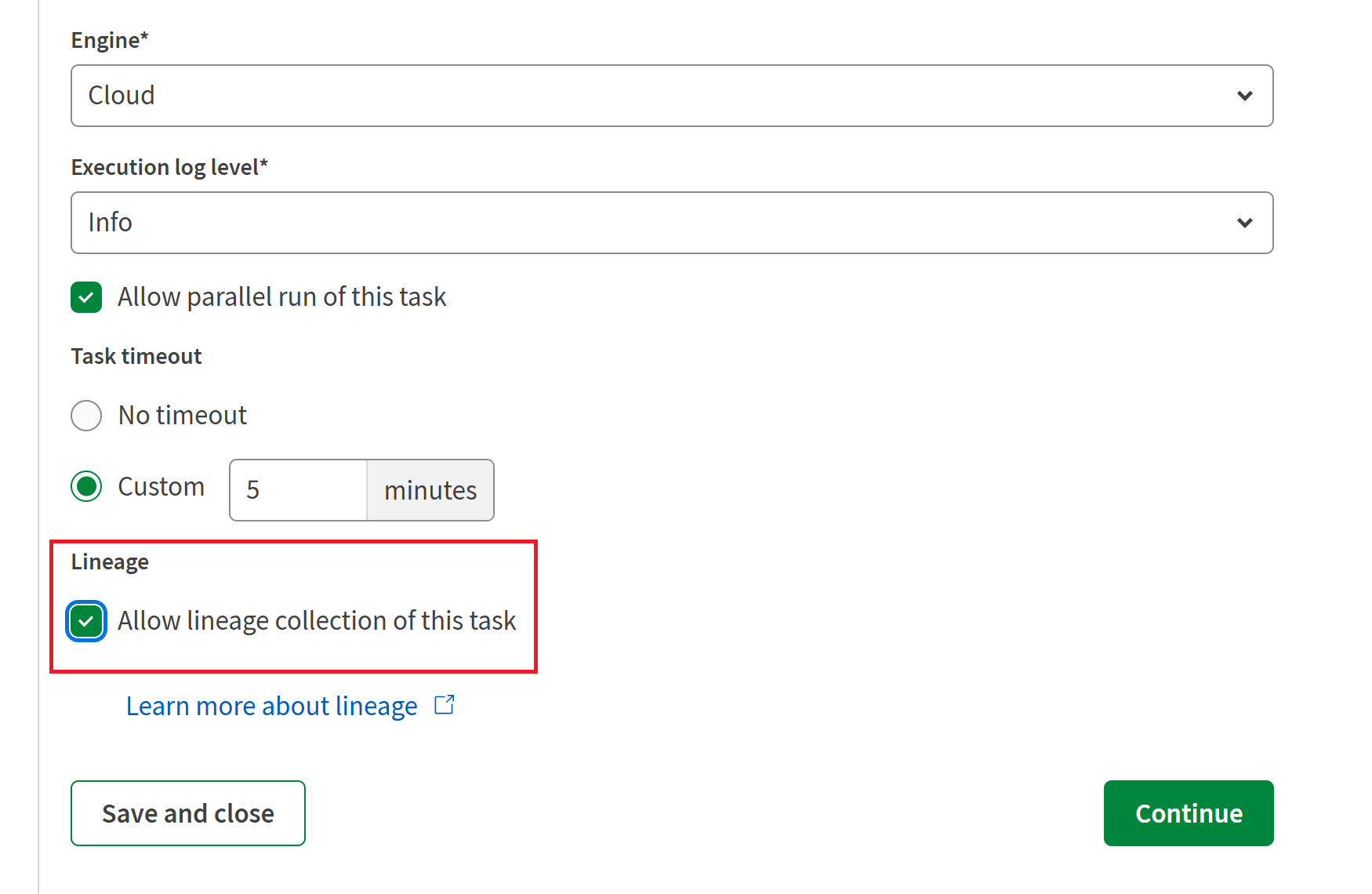
You must have Talend Studio version 8.0.1-R2025-04 or later. For more information, see Enabling lineage collection for Job tasks. |
|
| Cloud Engine | Cloud Engine now supports data lineage collection. No specific configuration is required on the engine side, but tasks must be configured to use lineage. The artifacts associated with these tasks must be published from Studio version R2025-04 or later, or an older version with at least the R2025-04 patch installed. For further information about data lineage collection, see Enabling lineage collection for Job tasks and Data lineage. |
Deprecated and removed items
| Feature | Description |
|---|---|
| Predefined Box connections |
Talend Management Console previously provided a native Box connector to establish pre-configured Box connection. Support for this connector and the connections built with it is deprecated from the R2025-04 release and will be removed in the R2025-05 release. However, you can still create custom Box connections from Talend Management Console. This discontinued support for the native Box connector and associated functionality affects the following key area on the engine side:
For further information about Talend Management Console connections, see Connection or Managing connections. |