
Previewing data in load scripts
You can preview the results of your load script without fully running the load script. When you preview data, you limit the rows of data loaded for each table and ignore any Store statements in your load script.
You can view previewed data and profiling information in the Preview section in the bottom panel.
Preview of the data
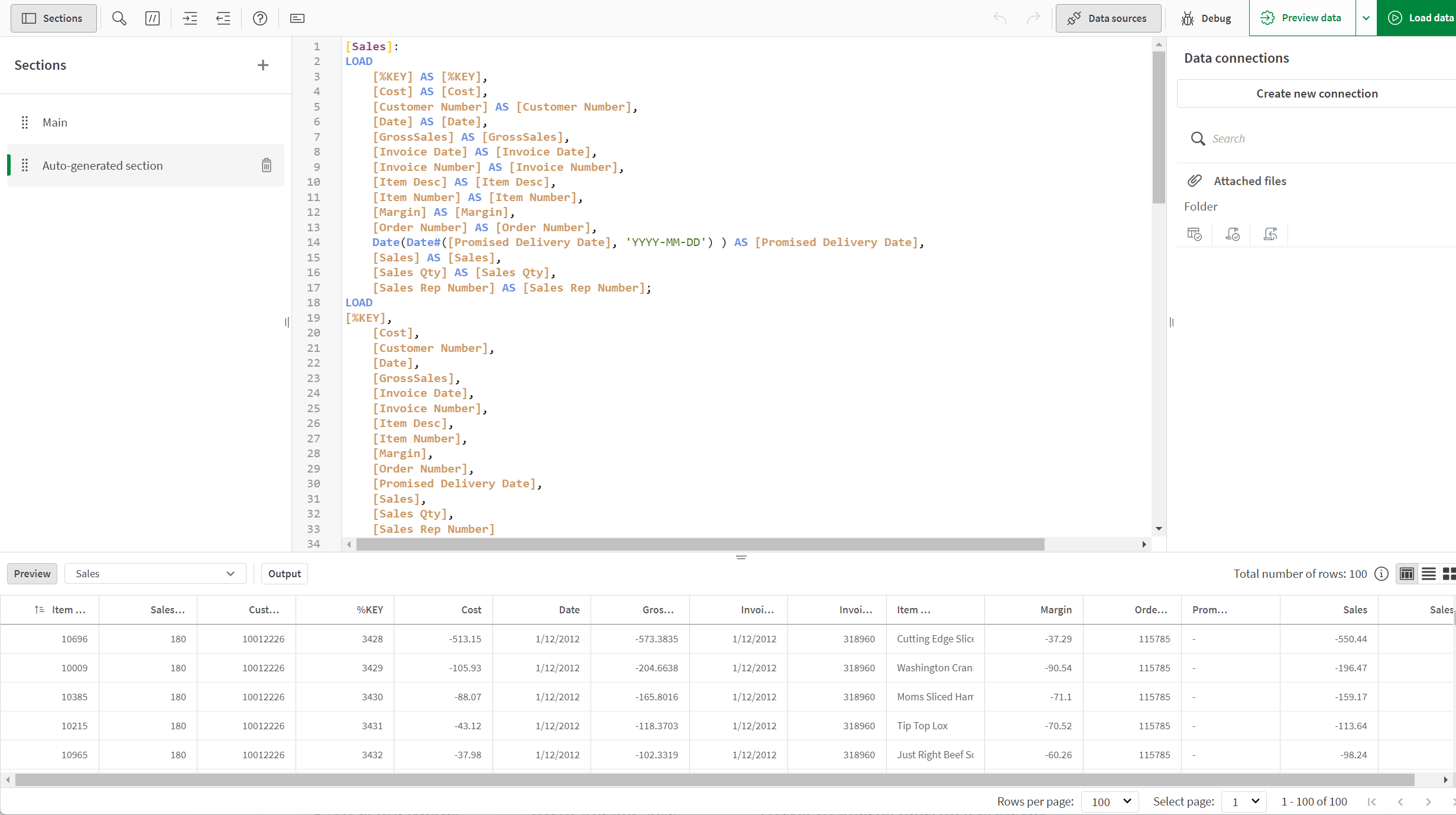
Previewing data
Do the following:
-
Click Preview data.
By default, 100 rows for each table are loaded during preview. Store statements in your load script are skipped. You can change settings by clicking  in
in  Preview data and changing the preview settings.
Previewing previously loaded data
You can preview data that has been previously loaded or previewed within an application.
Do the following:
-
In the bottom panel, select Preview if not already selected.
-
Click Show preview.