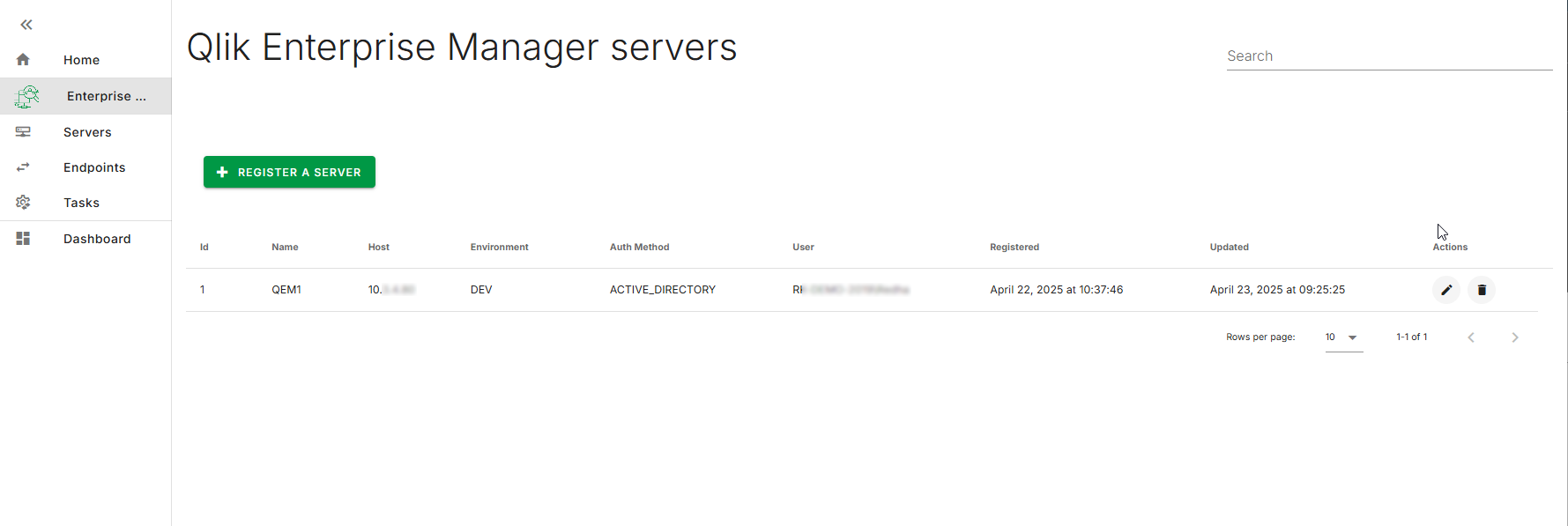
If the registration of the Qlik
Enterprise Manager server is successful, the registration dialog box closes
automatically and the new server is listed in the main page.
Repeat the same process to register your remaining servers, if necessary.
You can edit, update, or delete a registered Qlik
Enterprise Manager server by clicking on its corresponding action icons:
The associated server assets will be refreshed or deleted.