
Converting Jobs
Last updated: 7/20/2026Create a Job by converting it from another framework, for example from Standard to Spark.
Use this option when the components in the source Job are available in the target framework.
Procedure
-
If needed, update the descriptive information in the available fields.
To change information in non-editable fields, use the Project settings wizard. For more information, see Customizing project settings.
Example
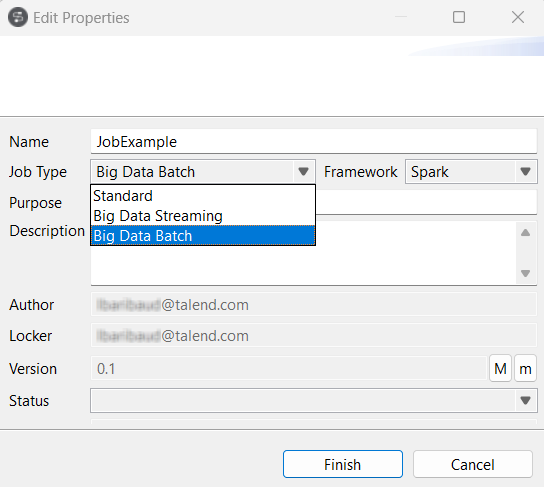
Results
The converted Job appears under the Big Data Batch node.
You can also use Duplicate from the contextual menu to convert a copy and keep the source Job in its original framework.
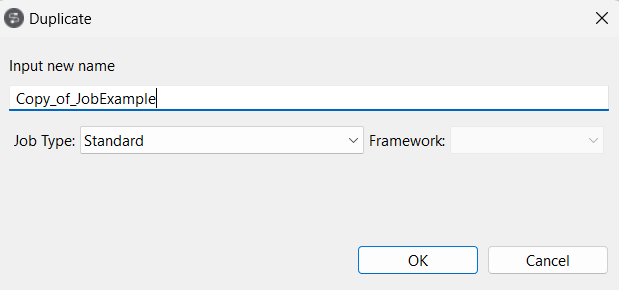
You can also convert a Spark Job to a standard Job or another framework. To do this, select Edit Big Data Batch properties from the contextual menu.
If the standard Job uses a Repository Hadoop connection, clicking Finish opens the Select node wizard so you can reuse that connection in the converted Spark Job.
Each component listed in this wizard comes from the source standard Job. Select a component to reuse its Hadoop connection metadata.