Storing your license and Maven settings files in Azure DevOps
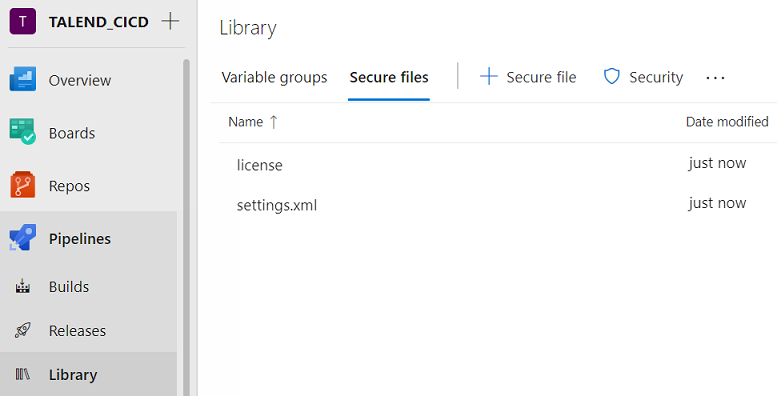
In Azure DevOps you can add your custom Maven settings file as well as your Talend product license as Secure Files and then use these files in the CI/CD pipelines.
Before you begin
- Retrieve the settings.xml file from the Downloads tab in the left panel of this page.
- Retrieve the settings.xml file from the Downloads tab of the online version of this page, at https://help.talend.com/.
- Adapt the file to your environment by replacing the parameter values (Nexus or
Artifactory URLs, host names, ports, credentials, etc.) and save your
changes.Information noteTip: Look for the XXX references in the file provided as an example and replace them with values corresponding to your environment. This example file is adapted for Nexus. If you are using another artifact repository like Artifactory, you need to adapt this example to your repository URLs.
Procedure
-
Once uploaded, click the uploaded file, select the Authorize for use
in all pipelines check box and save.