
Migrating projects
Last updated: 9/18/2025
If you migrated to a newer version of Talend and want to retrieve your existing projects, you
may want to migrate these projects. Talend Administration Center allows you to select individually the projects to be migrated and
to generate corresponding .pdf reports using the
Talend CommandLine applications from the
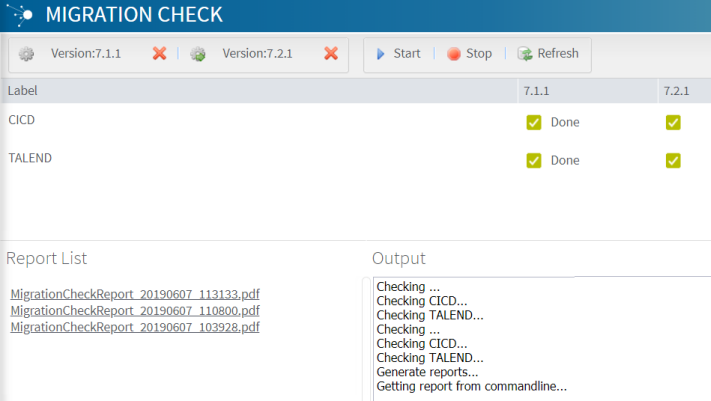
Migration Check page.
From the Migration Check page, click the CommandLine buttons on the top toolbar to configure the connections to both source (old) and target (new) Talend CommandLine applications, then enter the paths to the local directories where the database and report will be stored. The migration starts and reports are generated.
This migration phase requires you to re-install the Talend solutions.
Note that, by default, the Migration Check reports give you details about the compilation status of the artifacts generated in the latest version of the product.