Talend Management Console
New features
| Feature | Description |
|---|---|
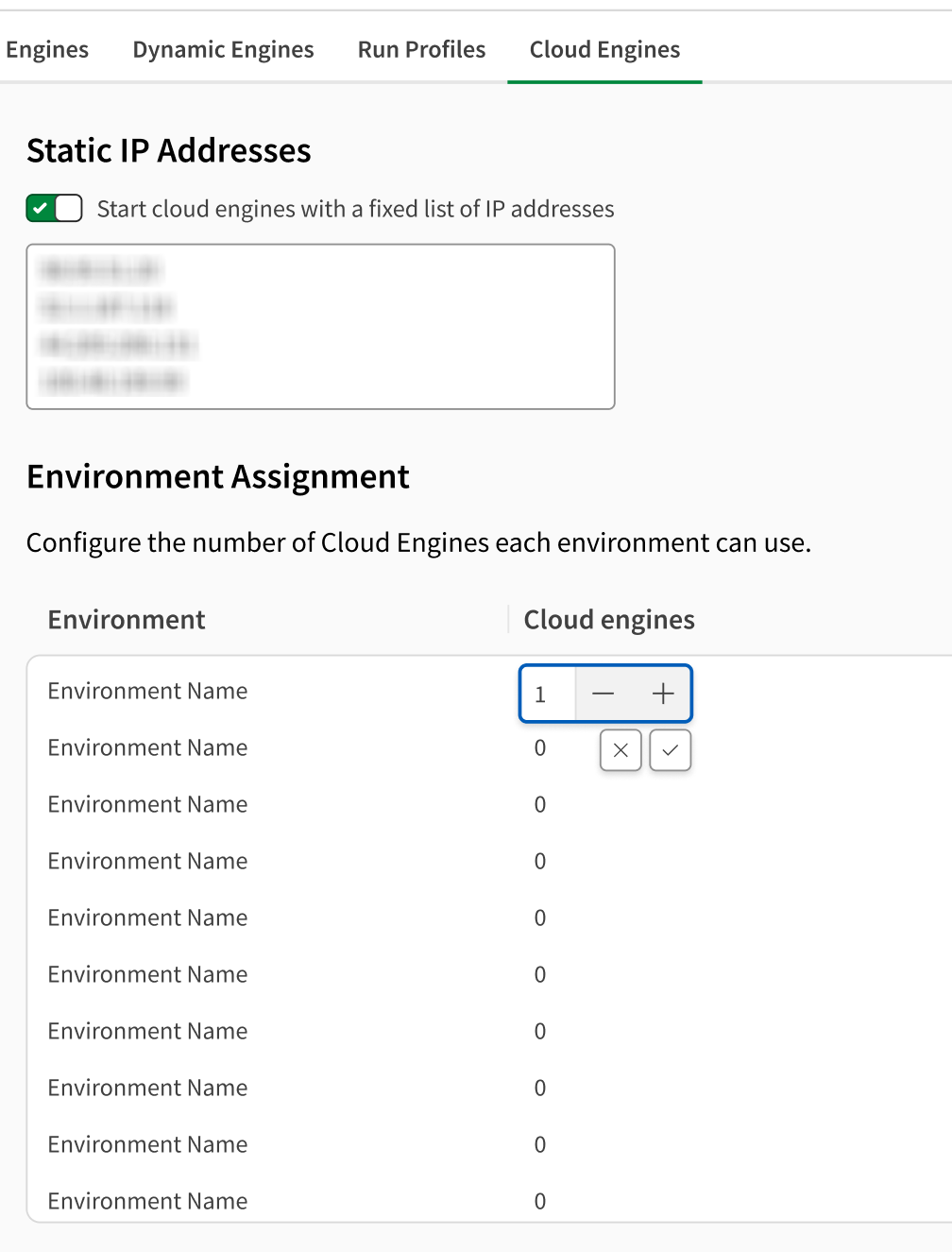
| New Cloud Engine configuration path | The pages to configure Cloud Engine and its static IP addresses have been
unified in one tab and moved to , centralizing the workflows to assign Cloud Engines to environments
and manage static IP addresses in one place. To access these configurations, you
need specific permissions. For details, see:
|
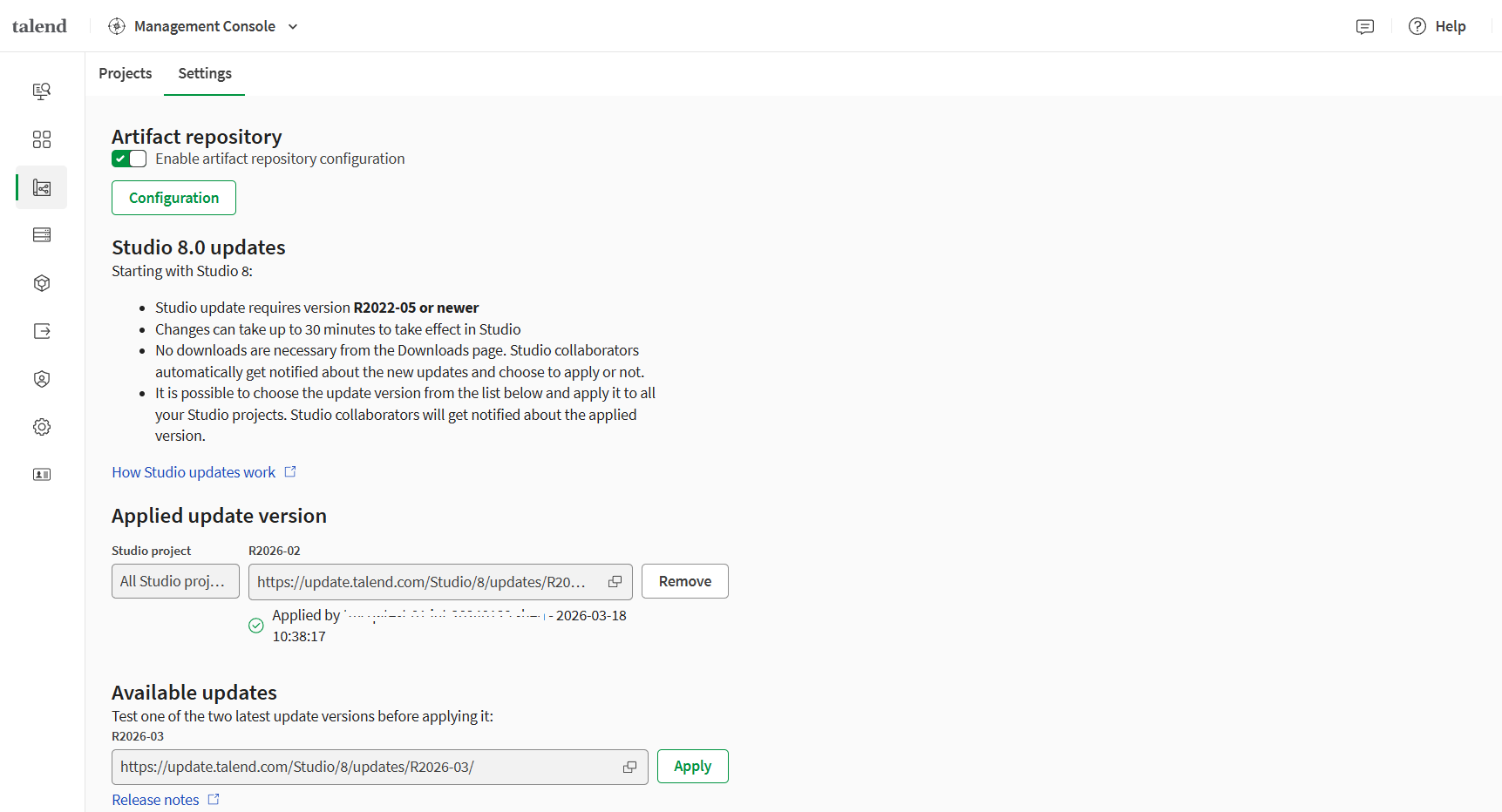
| New Studio configuration path |
The Studio configuration tab has been moved to the new
Settings tab in the Studio
projects page.
|
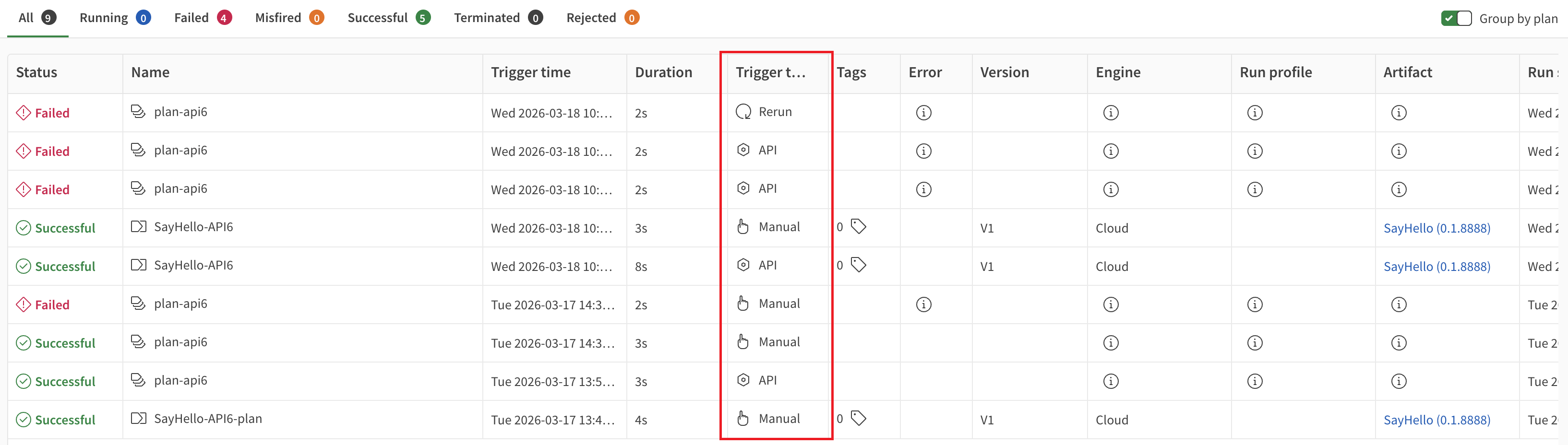
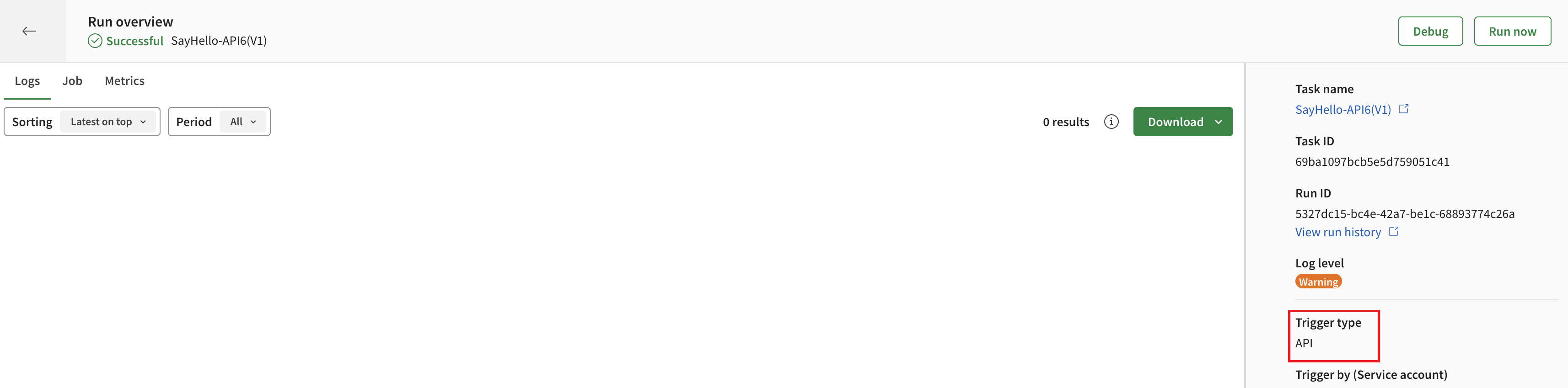
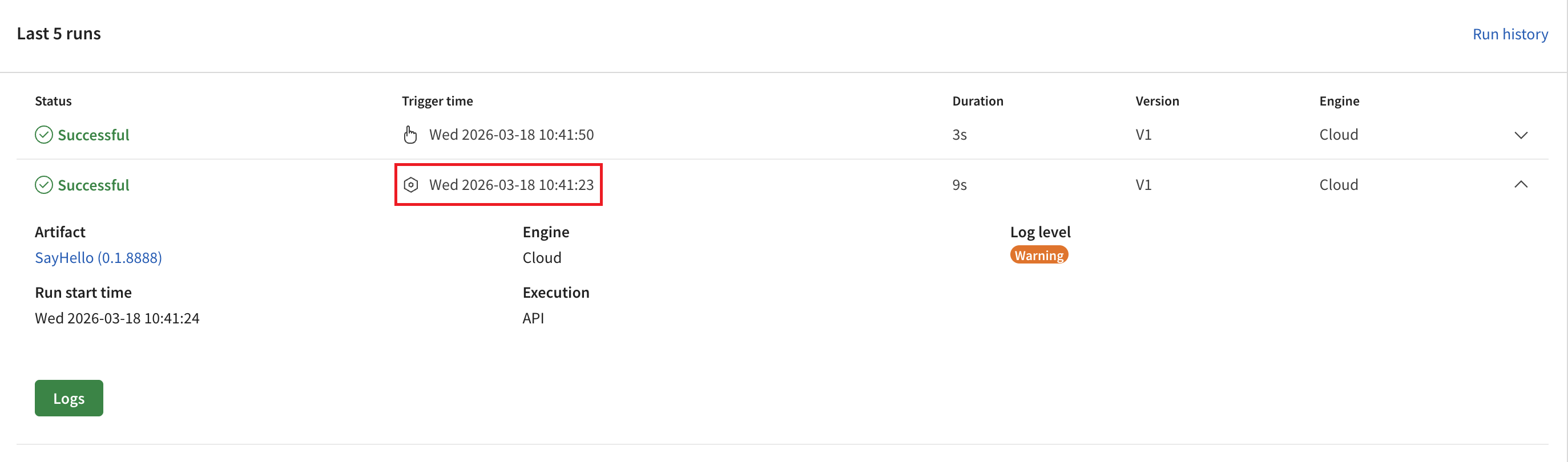
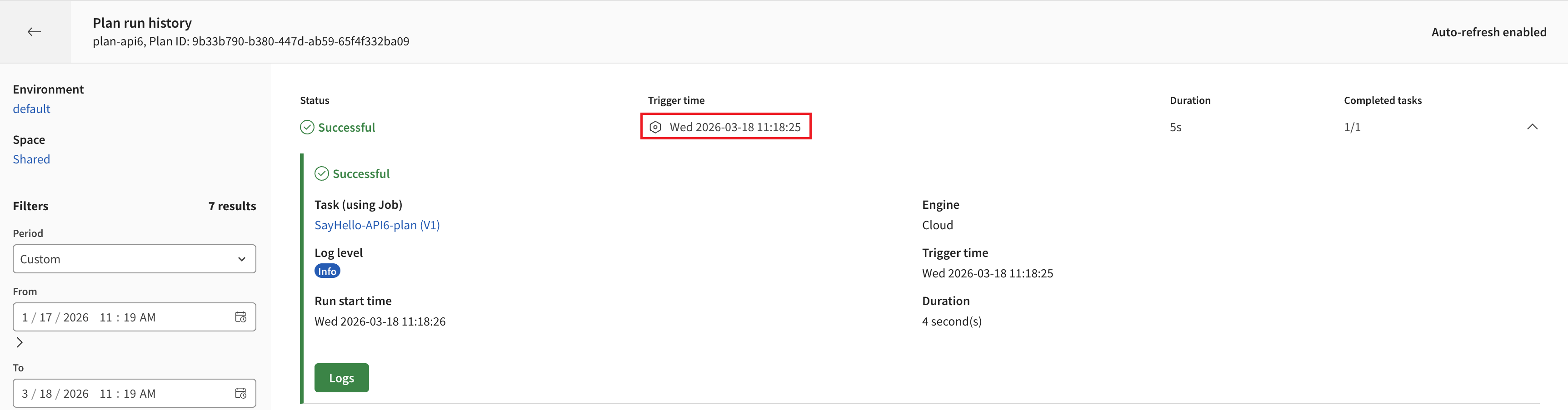
| New API trigger type |
You can see if a task or plan run has been triggered by an API in the following pages:
This feature is available only if the task or plan run is started by an API version R2021-03 or above. |
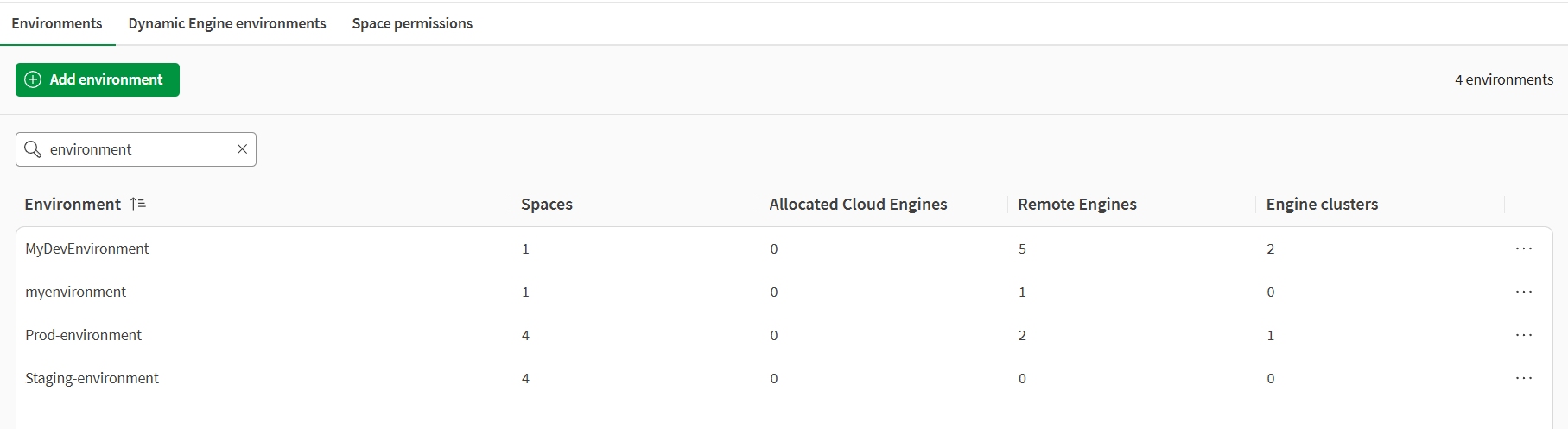
| New design in the Environments and Users & Security pages |
The new design applies to the Environments,
Dynamic Engine environments, and Space
permissions tabs of the Environments page.
The new design also applies to the Users,
Access tokens, Talend groups, Roles, Service
accounts and IP allowlist tabs of the
Users & Security page.
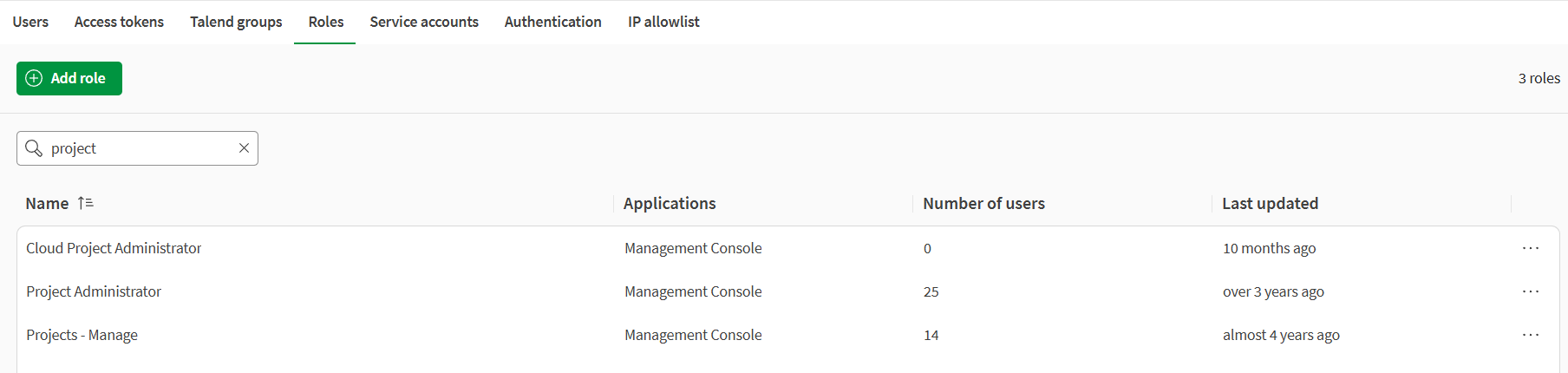
The new table format allows you to show, hide, or resize columns easily. The new menu for rows can be opened by right-clicking the row or using the Open menu button in the last cell of each row. |