Customer Service Consumer
Last updated: 10/9/2026In this example, you will consume a rest service to demonstrate how to call a rest service.
Procedure
-
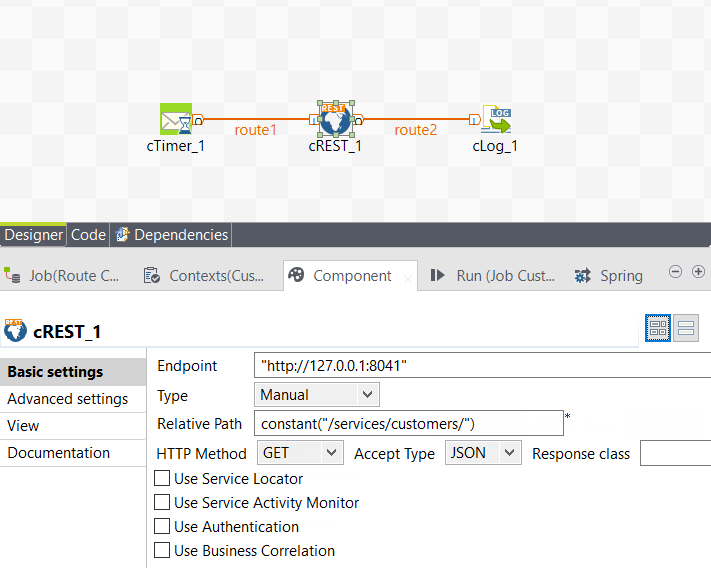
Configure the cREST component to call the service you
just executed as a microservice.
-
Just like before, build and export the service as a microservice. Start the
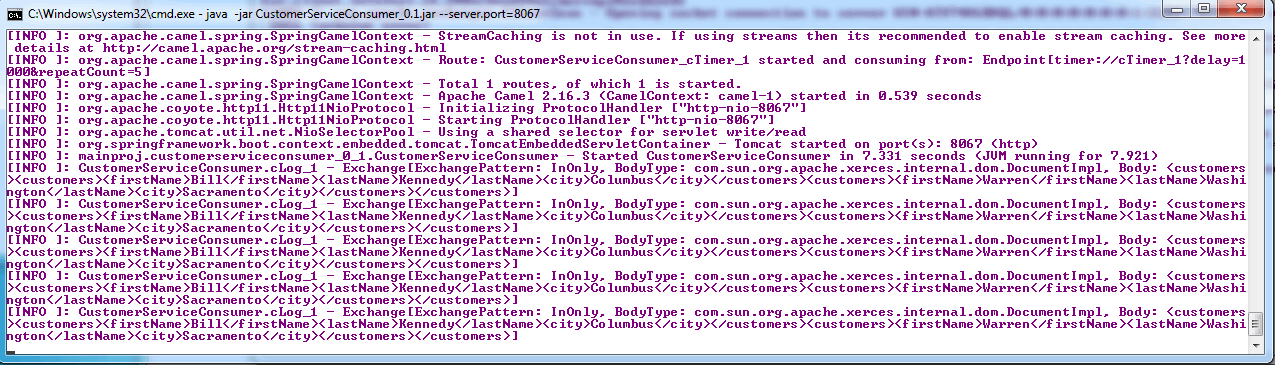
service by calling the java -Jar command. The service will log customer data on
consumer console as shown below.
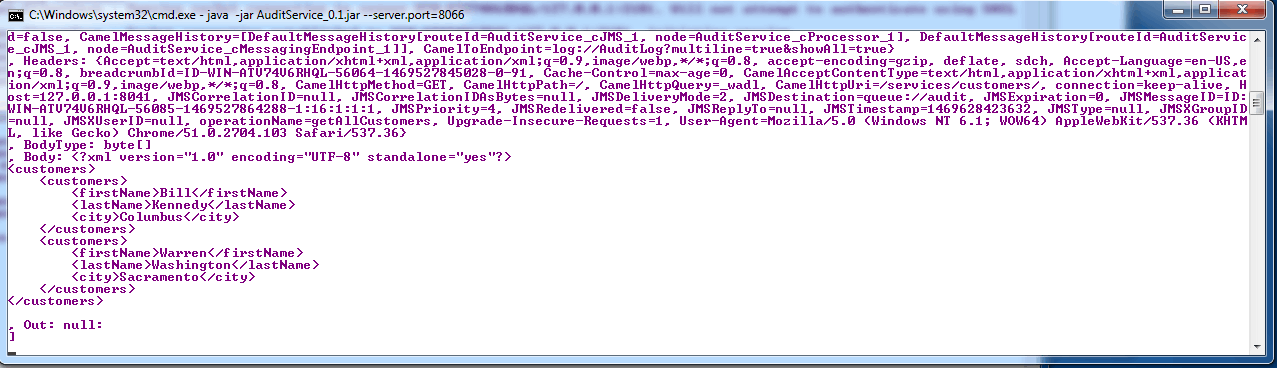
 As the consumer service calls the provider service, the Audit service will log an audit message on the console.