Monitoring and Service Health
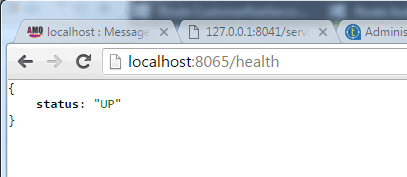
Microservices support health monitoring. This feature is very important to monitor the health and load of the service. The service health status is built on a simple http(s) request that is compatible with most load balancers.
For example, you can leverage Amazon AWS to provide automatic horizontal scaling based on processor loads, while using the Amazon AWS ELB service to automatically sign up new instances of our service to the load balancer.
The port 8065 is the default port for service monitoring. However, it can be overriden with the parameter --server.port when starting the microservice.
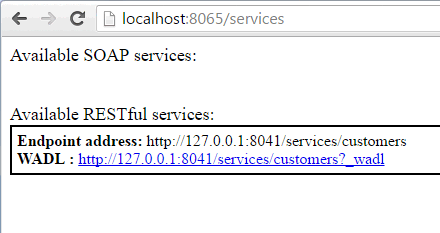
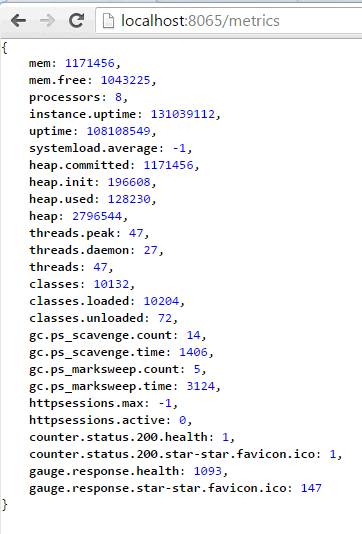
The JVM health metrics are available at http://server:port/metrics. This information is very useful for the service and resources monitoring.