
Managing components
Creating a component
Create a component to be reused in several elements in your API.
- Click the + button to the right of the element for which
you want to create a component.
You can also create a component by clicking the + button to the right of the API name and selecting a type of component.
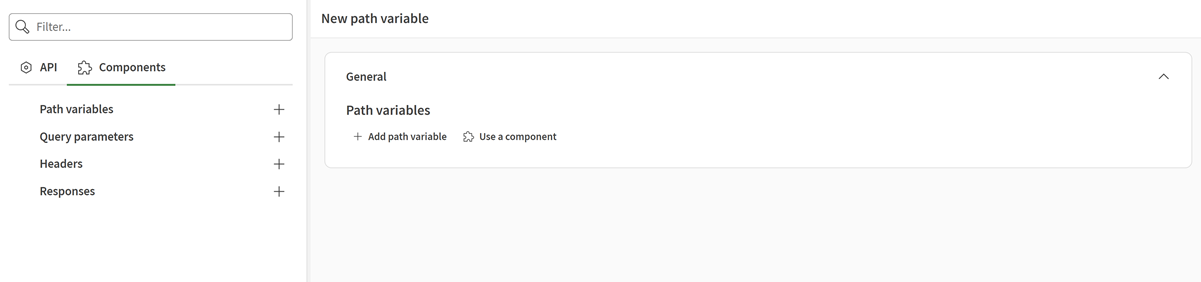
Your component is created. You can now use it in the corresponding
elements.
Cloning a component
Create a component based on an existing one.
You have created a component.
- Open your API and click the Components tab.
- Click the Clone icon to the right of the component that you want to clone.
- Edit the component as needed.
Extracting to a component
Extract a path variable, query parameter, header, or response as a component to
reuse it in other elements of your API.
- Navigate to the element that you want to extract.
- Click the menu to the right of the pencil icon.
- Click Extract as component.
Your component is created. You can see it in the Components
tab and you can start using it.