
Importing a definition
Import an existing API definition into API Designer.
This action creates a new API definition in API Designer. To import content into an existing API version instead, see Importing version content.
- At the homepage or folder level, click Import.

- Select a file or enter a URL, then click Import.
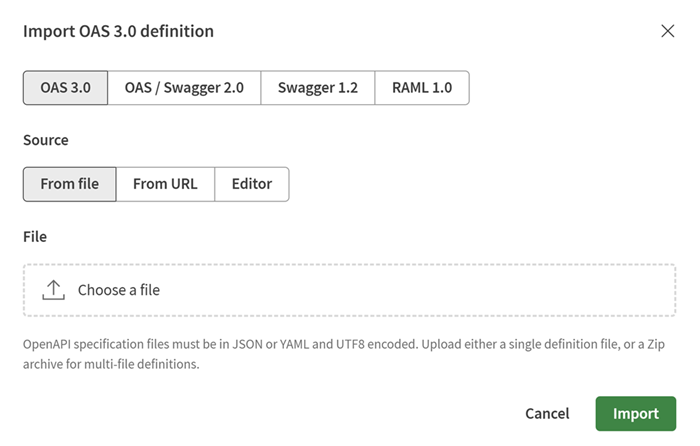 If the definition does not conform to the corresponding OAS, Swagger, or RAML specification, the entire file is rejected or the invalid parts of the API are ignored.Information noteNote: When importing an OpenAPI 3.0 definition, read-only and write-only properties defined at the operation level are ignored.
You can now manage your API definition in API Designer.