
Exporting a definition
Export your API definition in OAS/Swagger or RAML.
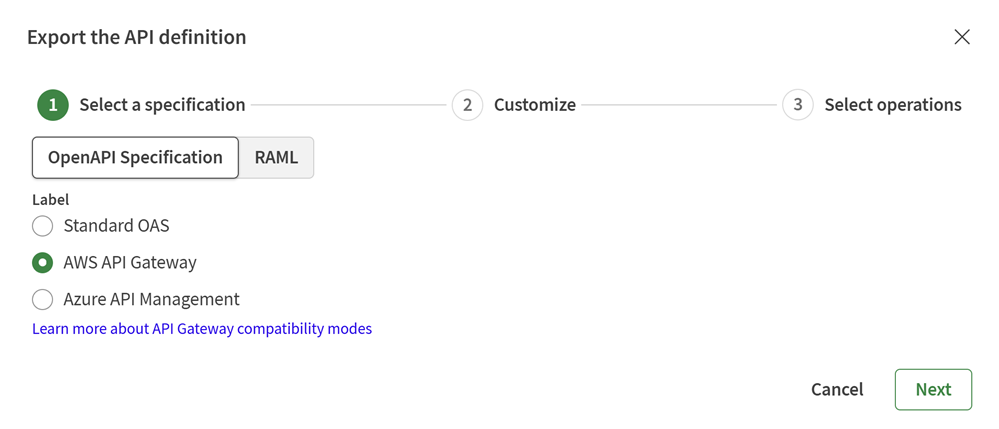
- In the Select a specification section, select either
OpenAPI Specification or RAML.
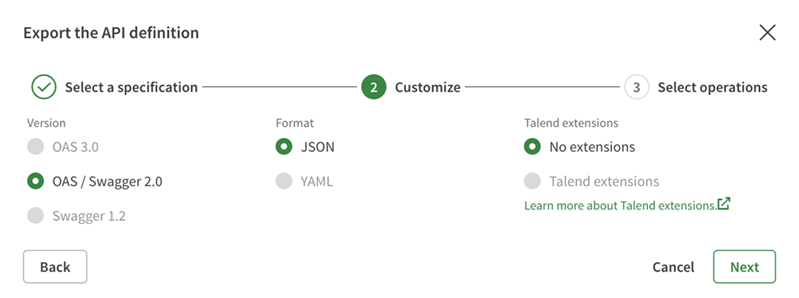
- In the Customize section:
- Select the Version and Format of the language in which you want to export your definition.
- Select whether you want to export your definition with Talend Extensions for OpenAPI Specification or Talend Annotations for RAML.
- If needed, in the Select operations section, select the
operations that you want to export.
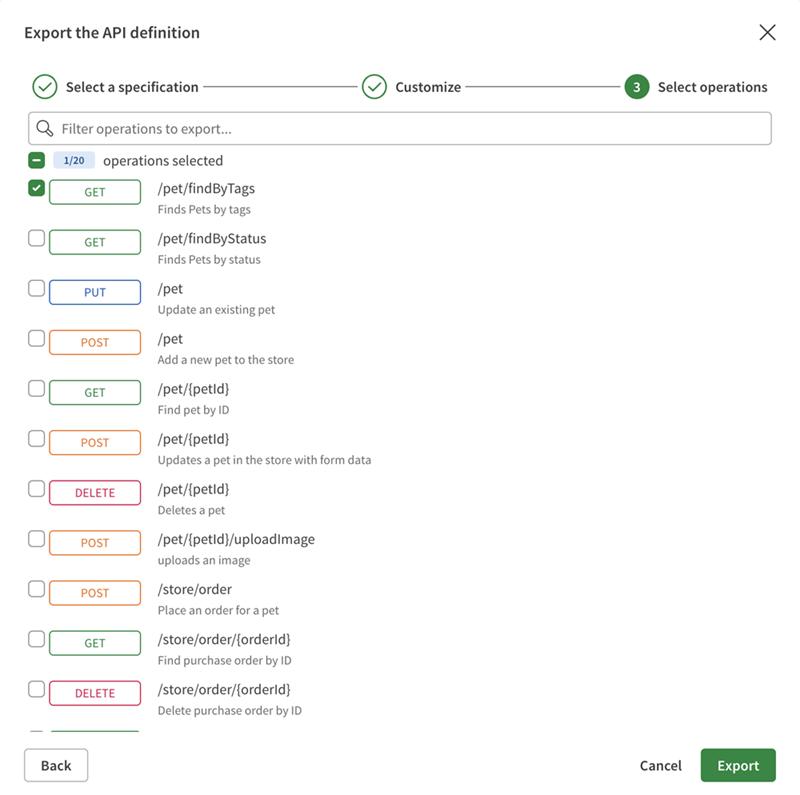
Your definition is exported and you can save it to a directory of your choice.