
Enabling API mocks
Every API Designer API
version comes with an integrated API mock.
Each version of an API has a
unique mock endpoint. When you create a new version from an existing version with a mock
enabled, the mock is disabled in the new version. You can enable it to get a new
endpoint.
- Click Save.
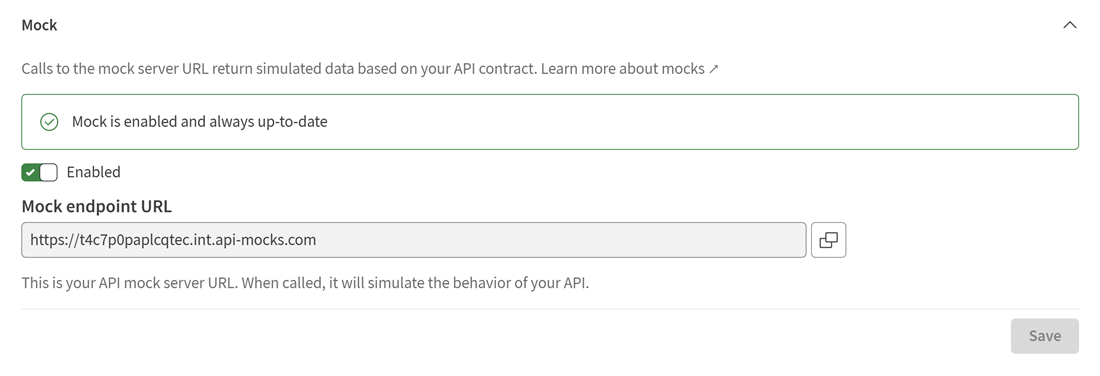
When you activate an API mock, the mock endpoint is added to your API.
This endpoint is also visible in API documentation that you publish from API Designer.
Information noteNote: The first endpoint in the list of endpoints is selected when you use
features like exporting OAS. You can reorder endpoints at any time via the general information panel.