
Define the Order of the Filter Criteria
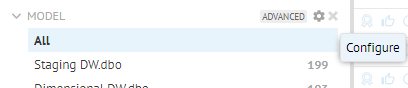
To change the order of a particular filter criterion click on the Configure icon that appears in the upper right corner of the criterion in the Filter panel and select Move Up or Move Down.
To change the order of a particular filter criterion click on the Configure icon that appears in the upper right corner of the criterion in the Filter panel and select Move Up or Move Down.