Create a Data Model ER Diagram
Last updated: 9/29/2026A data model contains both entity relationships and ER diagrams organized hierarchically into a folder structure.
Steps
Sign in as a user with at least the Metadata Editor capability object role assignment on the data model you are interested in
Navigate to data model wish to edit.
Go to the Overview tab.
Navigate through the existing folder structure to where you wish to add the ER diagram.
Click +CREATE in the ER Diagrams section.
Enter the NAME for the folder.
Click OK.
Example
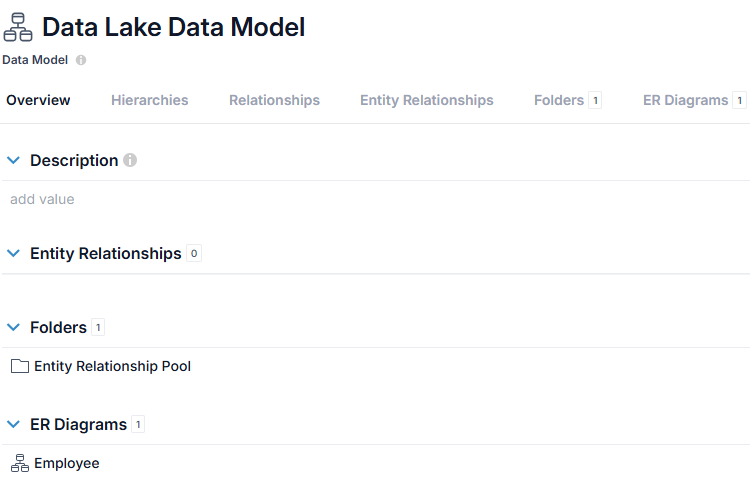
Sign in as Administrator and go to the Overview tab of the object page for the Data Lake Data Model.
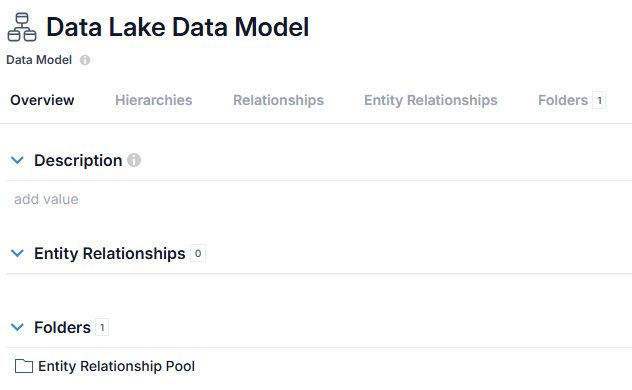
Click +CREATE in the ER Diagrams section and enter Employee
in
the NAME and click OK.