Skip to main content Skip to complementary content

Running the Talend Administration Center

Last updated: 8/28/2025

Procedure

  1. As you installed the product via the Talend Installer, go to the directory named tac.
  2. Double-click the executable file: start_tac.bat.

    This will launch the servlet container (by default, Apache Tomcat) holding the Talend Administration Center.

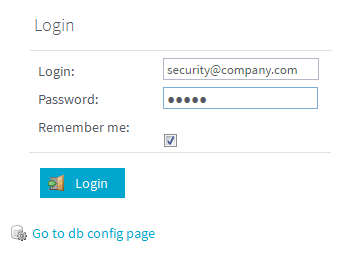
  3. Once started, log in to Talend Administration Center with the default account: security@company.com/admin.

Did this page help you?

If you find any issues with this page or its content – a typo, a missing step, or a technical error – please let us know!