
How to filter by level
Last updated: 9/1/2026The Level filter allows you to select the execution records according to the execution result. It works in the rule execution level. Two options are offered in the drop-down list:
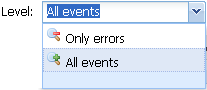
The following table describes the two options:
|
Only errors |
Select this option if you only want to view the executions in error. This option helps you identify and troubleshoot the execution issues quickly. |
|
All events |
Select this option to display all of the execution events. This is the default selection. |
The following table is an example of the All events selection.
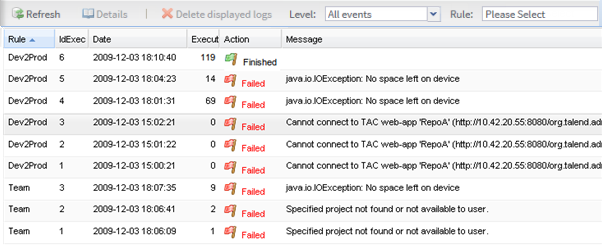
You can also filter the execution list by rule. For further information, see section How to filter by rule