
Installing the wrapper
Last updated: 8/28/2025Procedure
-
To install the service, type in the following command:
karaf@trun> wrapper:installAlternatively, to register the container as a service in automatic start mode, simply type:karaf@trun> wrapper:install -s AUTO_START -n TALEND-CONTAINER -d Talend-Container -D "Talend Container Service"where TALEND-CONTAINER is the name of the service, Talend-Container is the display name of the service and "Talend Container Service" is the description of the service.
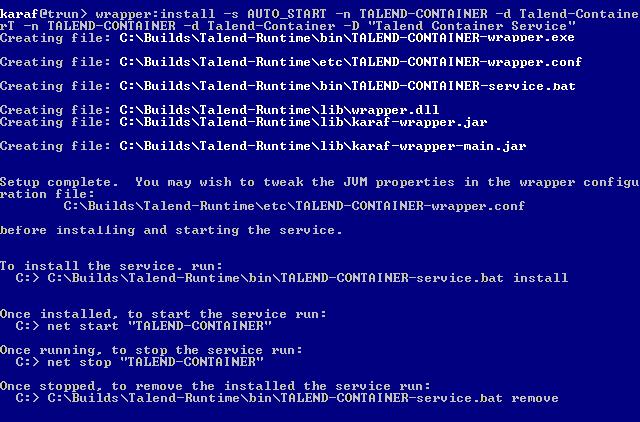
Results
The wrapper files are installed, you now have to install the Talend Runtime service.