
Assigning a user to a group
About this task
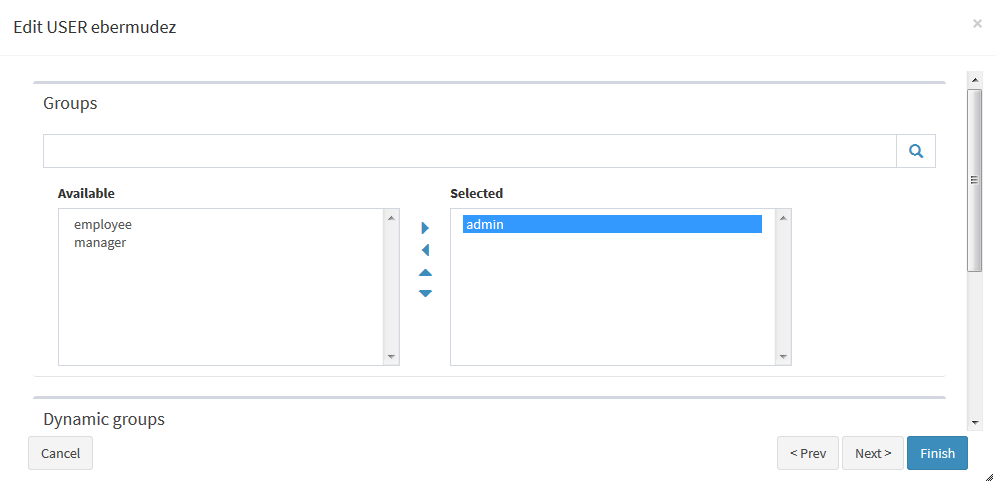
To assign a user to a group:
Procedure
-
Edit the user by clicking the
 icon.
icon.
-
In the Edit User dialog box, click
Next to go to the Groups
page.
Example
Results
Once users credentials have been created and the users are assigned to groups, authorizations can be provided to those users if the authorization functionality is enabled in Talend ESB. For more information on how to manage users' authorization, see the Talend Administration Center User Guide.