Creating a Job to combine two CSV files into a single XML file
Last updated: 9/24/2026Create a Job with two CSV input files, a tHMap component and an output file.
Procedure
-
Link the tFileInputDelimited components
to the tHMap and the tHMap to the
tFileOutputRaw with connections.
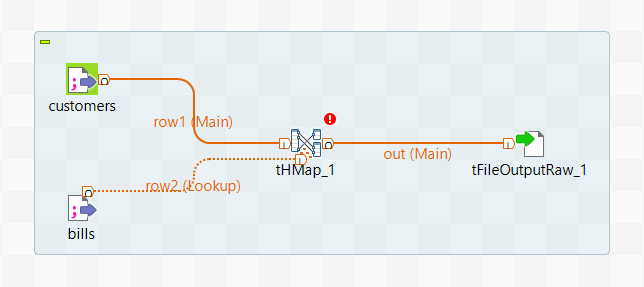
-
Double-click your tFileInputDelimited components to configure them:
-
Click the ... button to the right of
Edit schema and add the columns present in
your CSV files, then click OK.
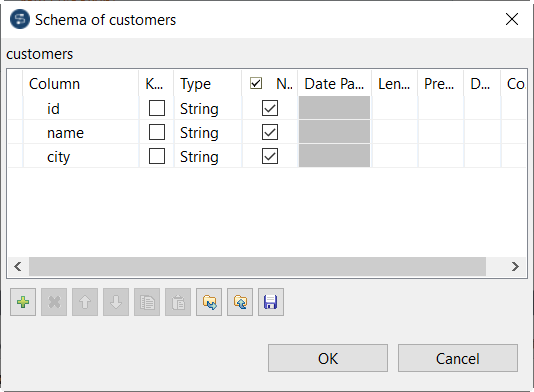
In this example, the tFileInputDelimited component named customers should have a schema with three columns named id, name and city, and the one named bills should have three columns named customerId, billId and price.
-
Click the ... button to the right of
Edit schema and add the columns present in
your CSV files, then click OK.
-
Select Import a structure definition and click
Next, then follow the wizard to create a structure
based on an XML sample to use as an output.
For this example, you can use the following sample. For more information, see Creating a structure from a sample document.
<root>
   <customer>
      <id>591</id>
      <name>Billy</name>
      <city>Los Angeles</city>
      <bill>
         <id>sry-84u</id>
         <price>352.89</price>
      </bill>
      <bill>
         <id>xoi-htr</id>
         <price>36.55</price>
      </bill>
   </customer>
   <customer>
      <id>891</id>
      <name>Bob</name>
      <city>Chicago</city>
      <bill>
         <id>111-gfs</id>
         <price>3.58</price>
      </bill>
   </customer>
</root>
The structure opens in the editor, it looks like this: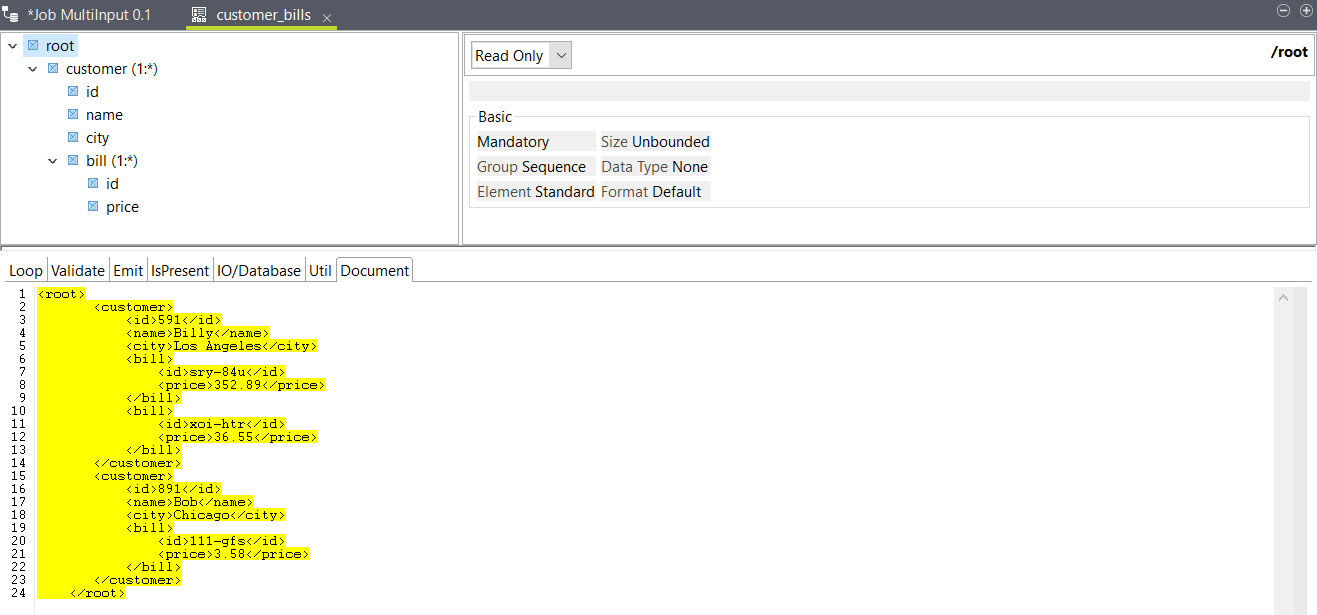
-
Double-click the tHMap
component to configure it.
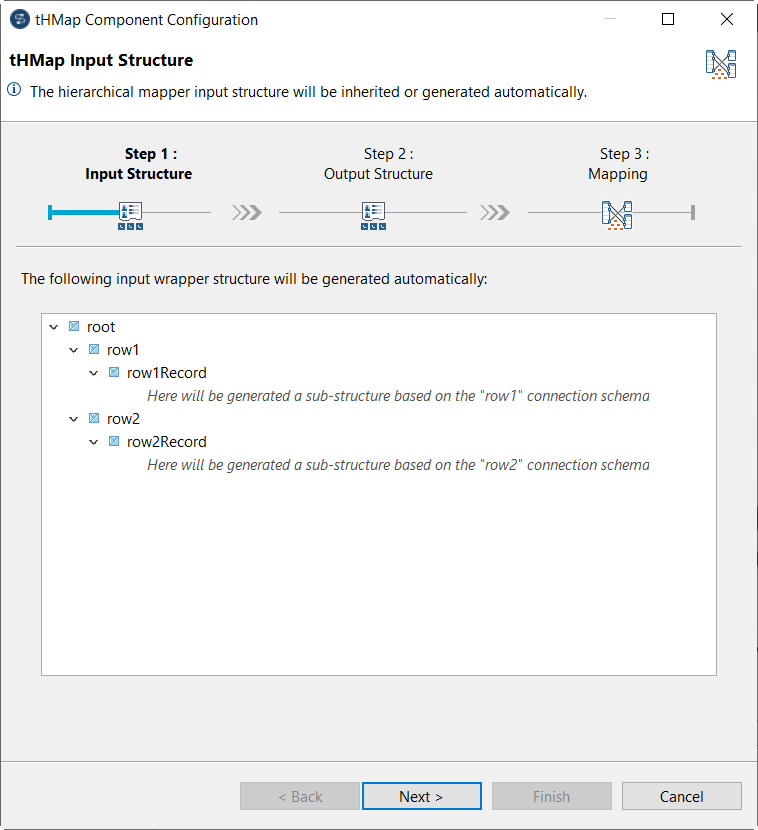
The schemas from the tFileInputDelimited components should automatically be used as the input structure.