
Filtering records
Use filters to separate your data into different output files.
About this task
In the input file, some ProbeTempF elements have N/C as a value. This value is invalid and the records containing it need to be separated from the valid records.
Procedure
-
Drag and drop an Equal function from the
Functions tab on the Filter
argument under the SimpleLoop function.

-
Double-click the Constant function and enter
N/C in the Value field.
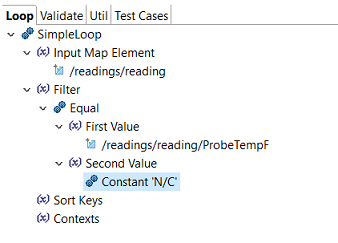 The invalid element is now configured to contain only records in which the ProbeTempF value is N/C.
 -
Drag a Constant function on the Second
Value argument and set its value as
N/C.
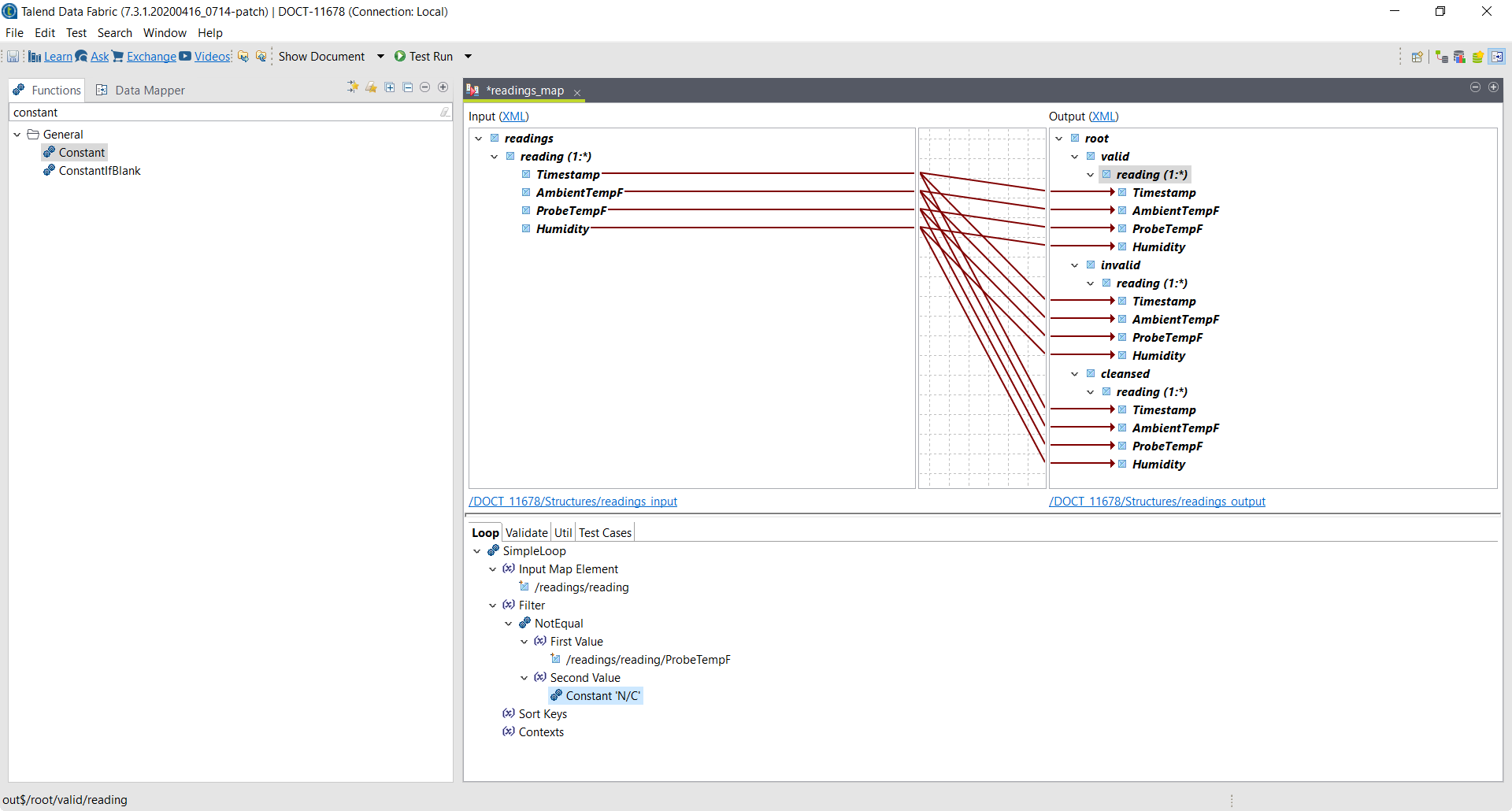 The valid element is now configured to filter out records in which the ProbeTempF value is N/C.