
Deploying multiple Talend Runtime containers
Last updated: 10/1/2026
In this example, the Talend Runtime container
will be running on different ports and the environments are replicated end-to-end, there will be different
databases for each environment.
Before you begin
To have multiple environments on a single server, make sure:
- There are no shared resources between the environments other than Nexus, Git or SVN.
- There is no ActiveMQ or JMS communication with the services.
- There are no ESB infrastructure services used (since these are temporary environments).
Procedure
-
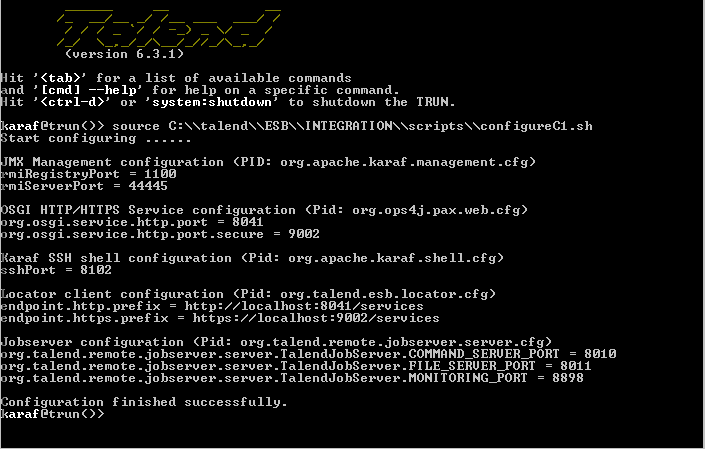
Restart each container after having run the script on the Karaf console.
-
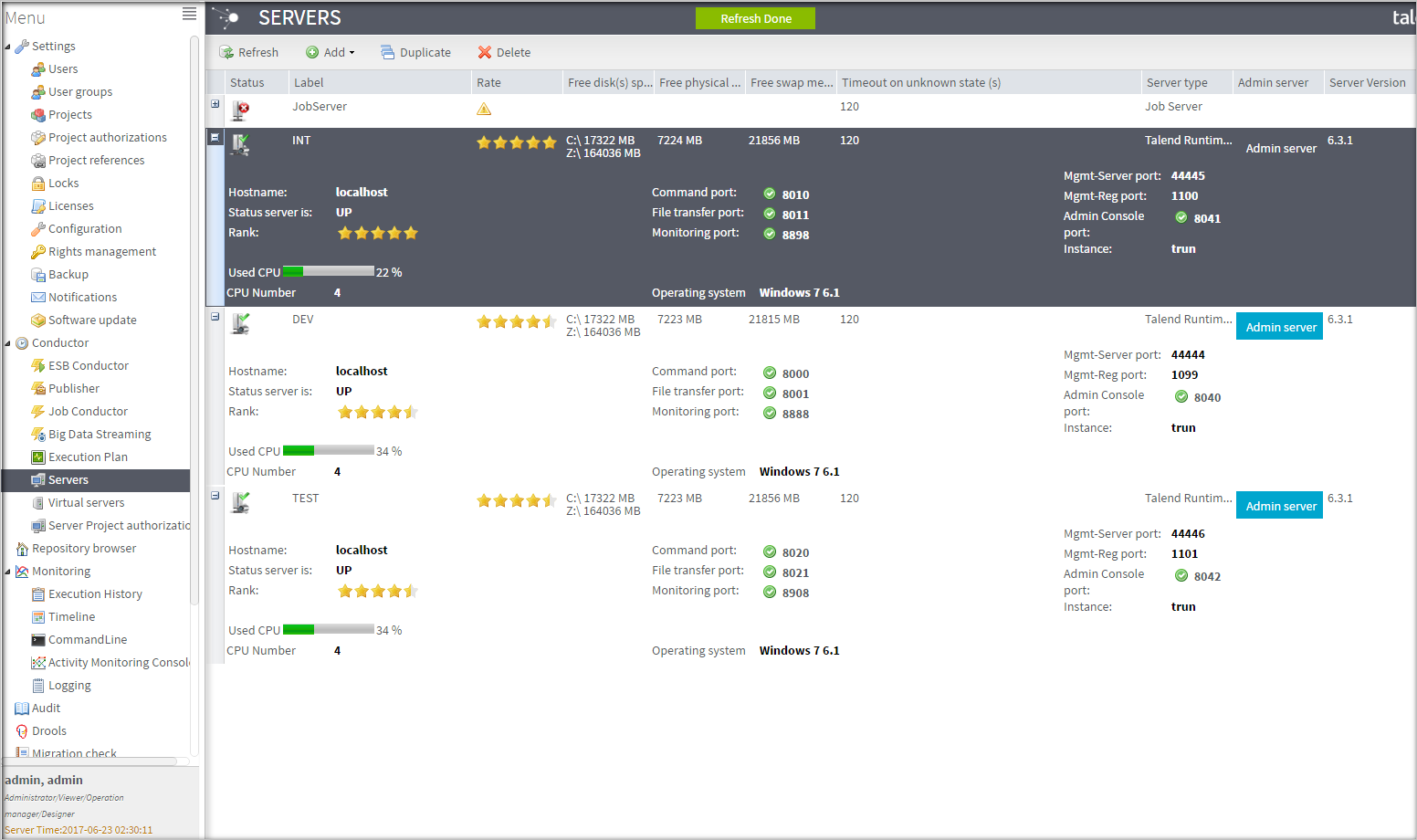
Configure all new servers in Talend Administration Center.
Results
You have now three Talend Runtime containers, each one for simulating a different environment and ready to be used on a single server.