Skip to main content Skip to complementary content

Configuring the input component

Procedure

  1. Click tSPSSInput to display its Basic settings view and define the component properties.
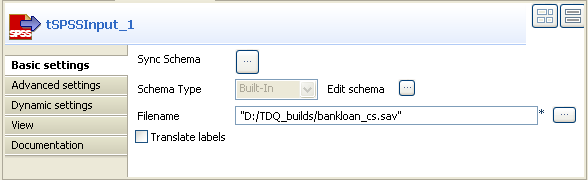
  2. Click the three-dot button next to the Filename field and browse to the SPSS .sav file you want to read.
  3. Click the three-dot button next to Sync schema. A message opens up prompting you to accept retrieving the schema from the defined SPSS file.
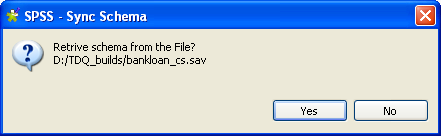
  4. Click Yes to close the message and proceed to the next step.
  5. If required, click the three-dot button next to Edit schema to view the pre-defined data structure of the source SPSS file.
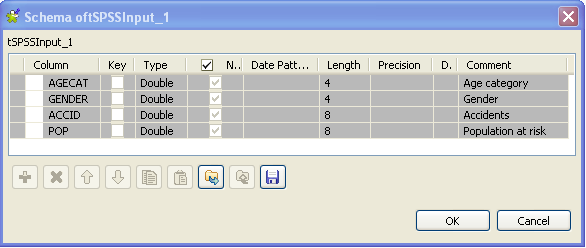
  6. Click OK to close the dialog box.

Did this page help you?

If you find any issues with this page or its content – a typo, a missing step, or a technical error – please let us know!